How do I add my team?
In Settings → Team, invite someone by email, as admin or staff. They get a link and sign in with their own account. Part of Pro.
Step 1: Open Settings → Team.
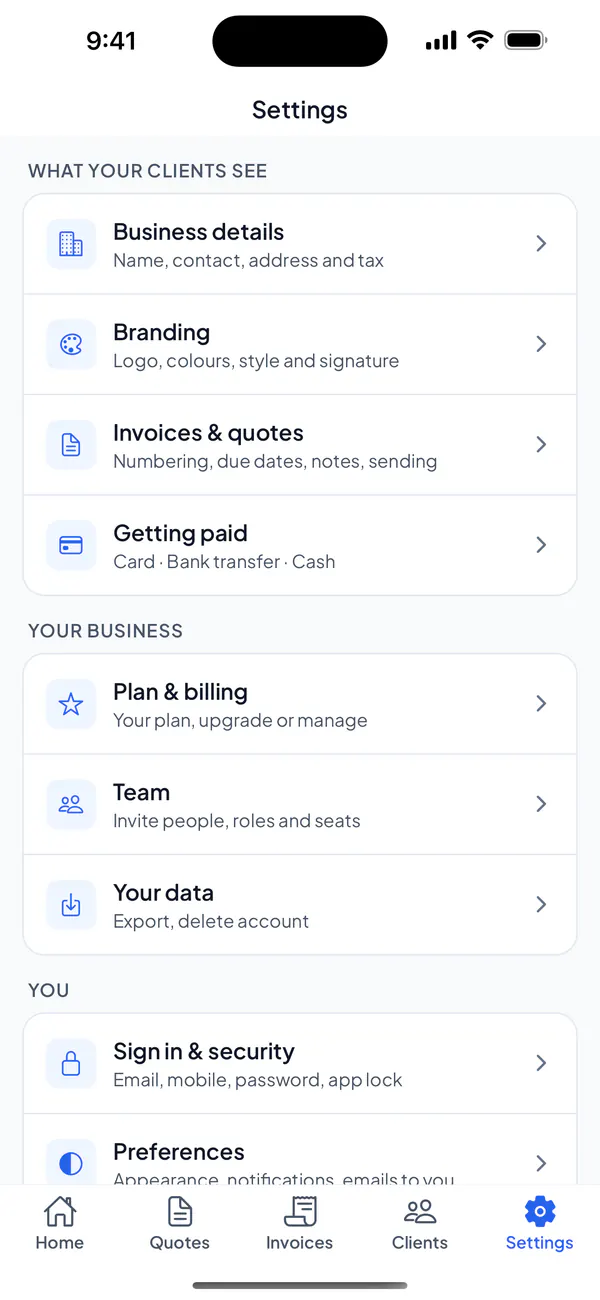
Step 2: Tap Invite someone, type their email and choose Staff or Admin.
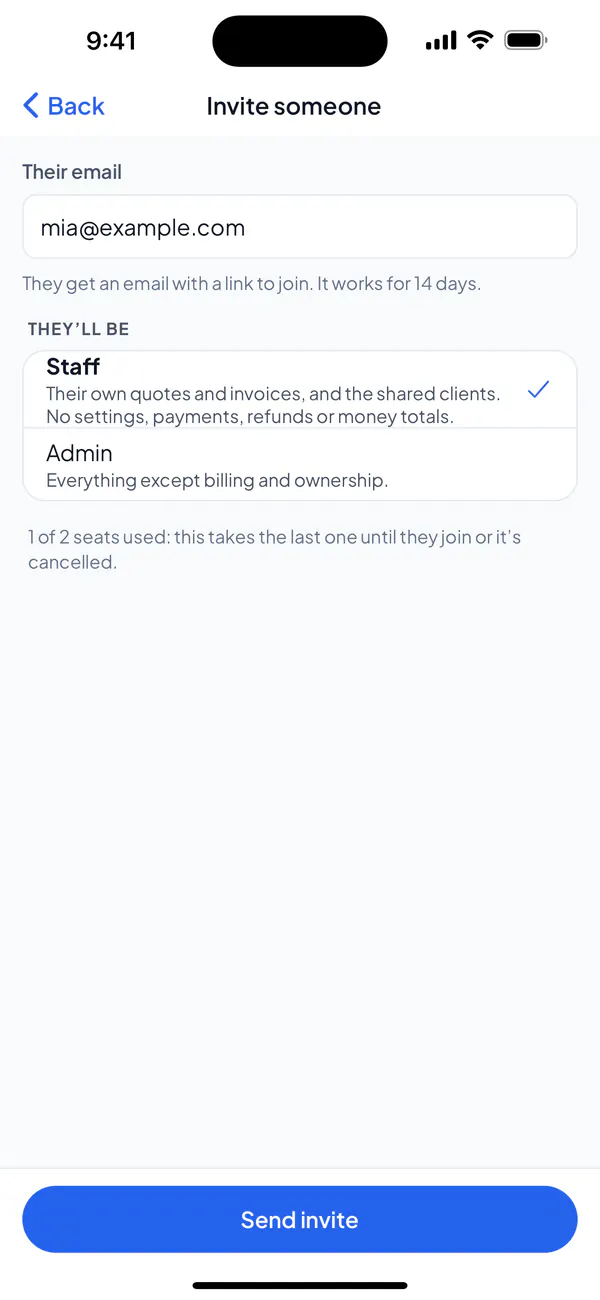
Step 3: Tap Send invite. They get an email with a link that works for 14 days.
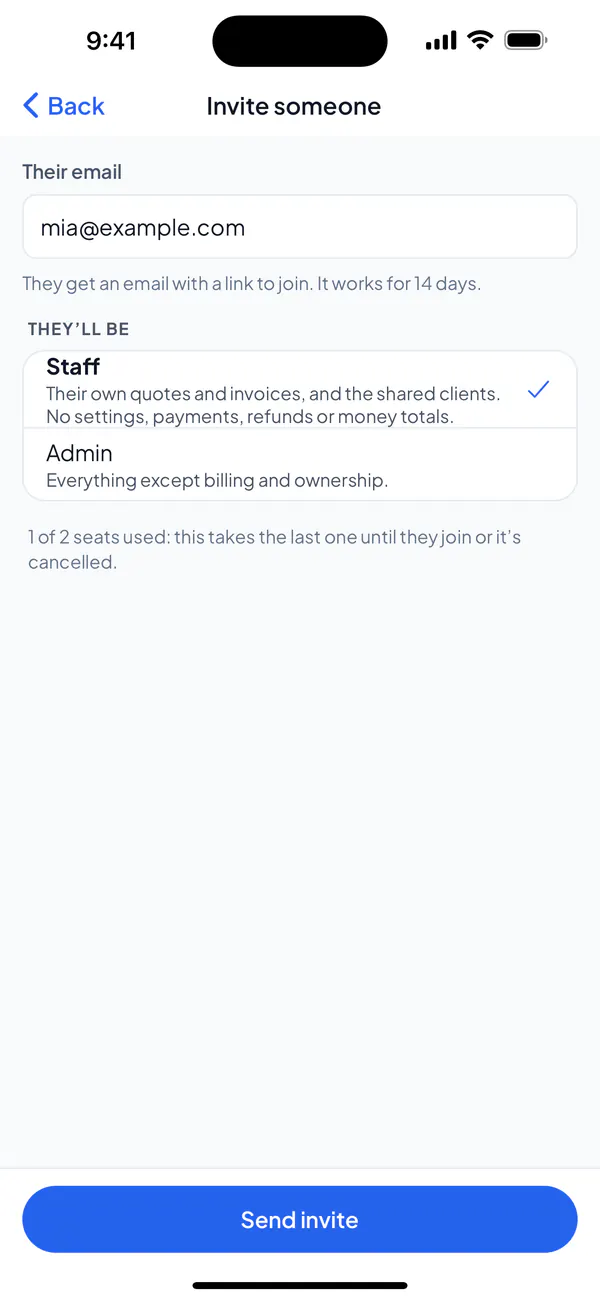
Step 1: Open Settings → Team.
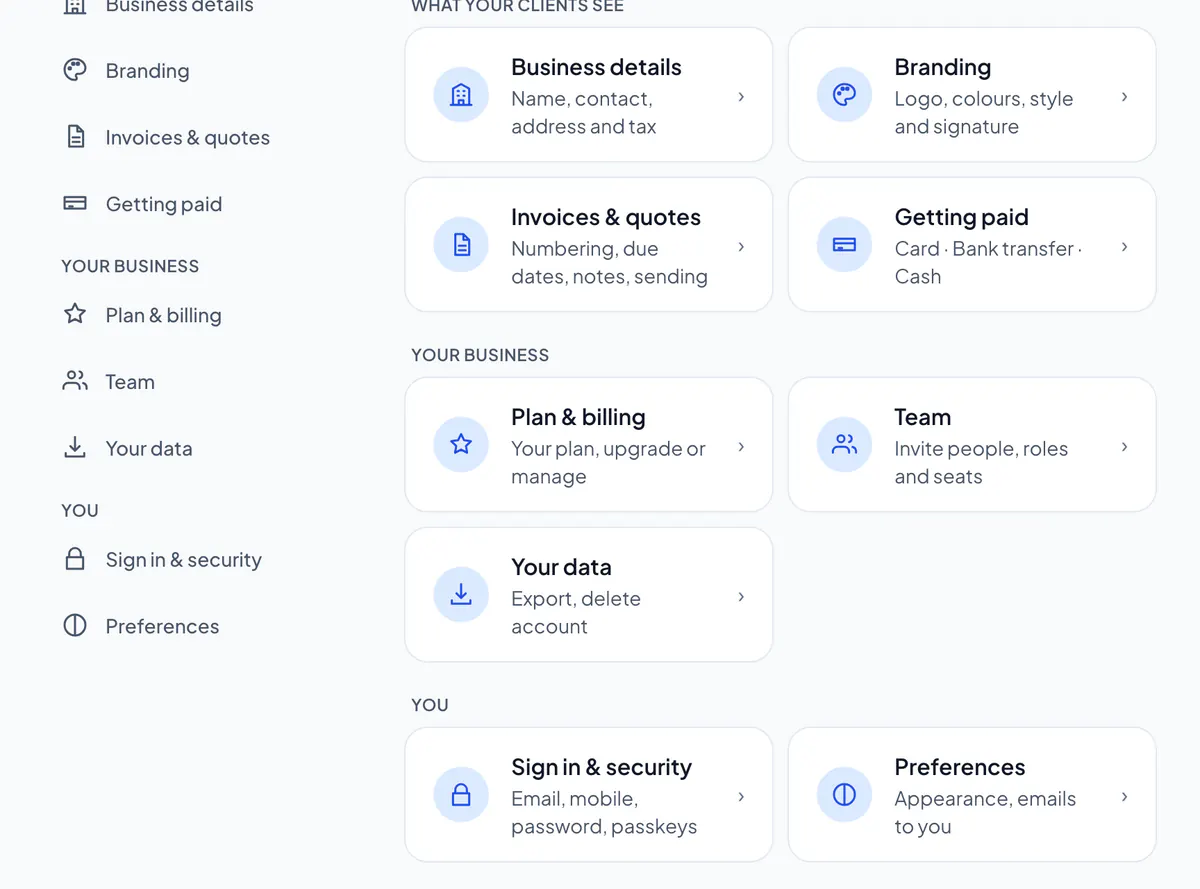
Step 2: Choose Invite someone, type their email and choose Staff or Admin.
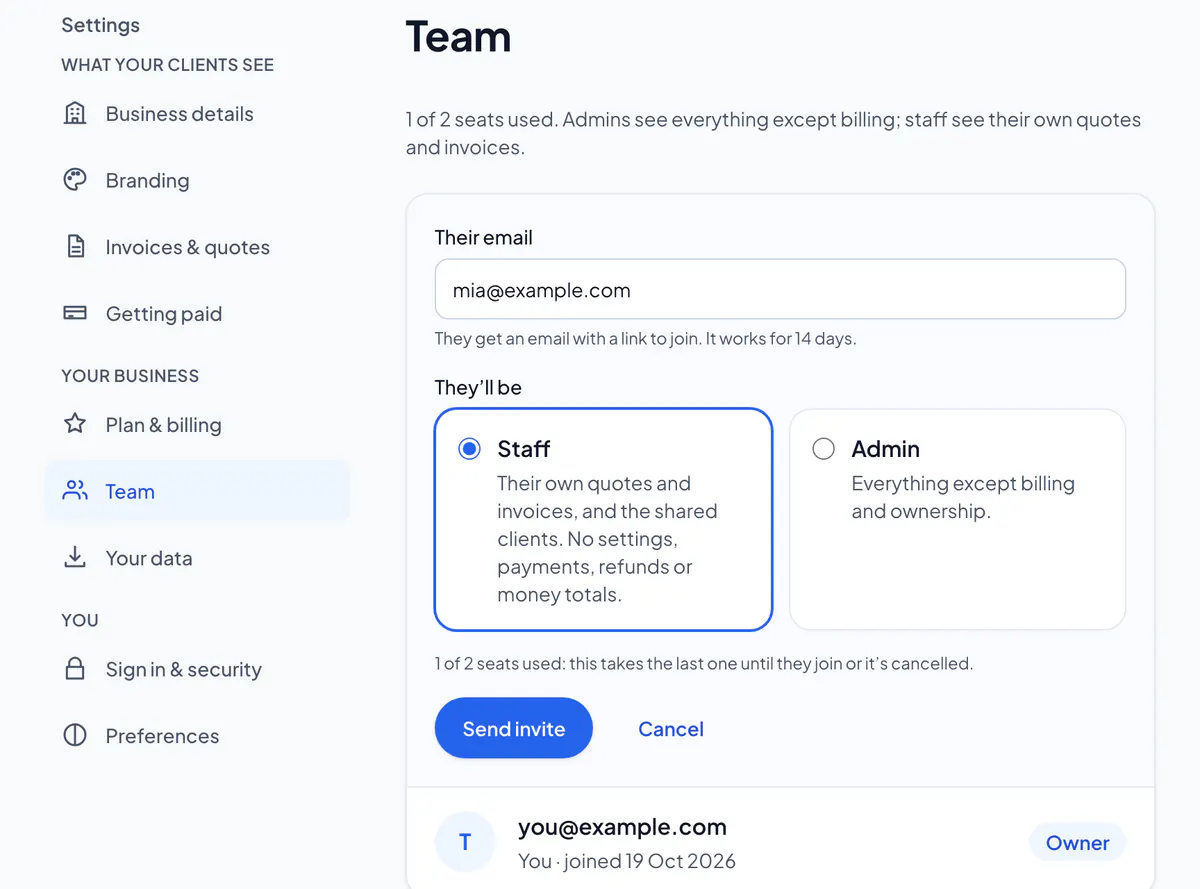
Step 3: Choose Send invite. They get an email with a link that works for 14 days.
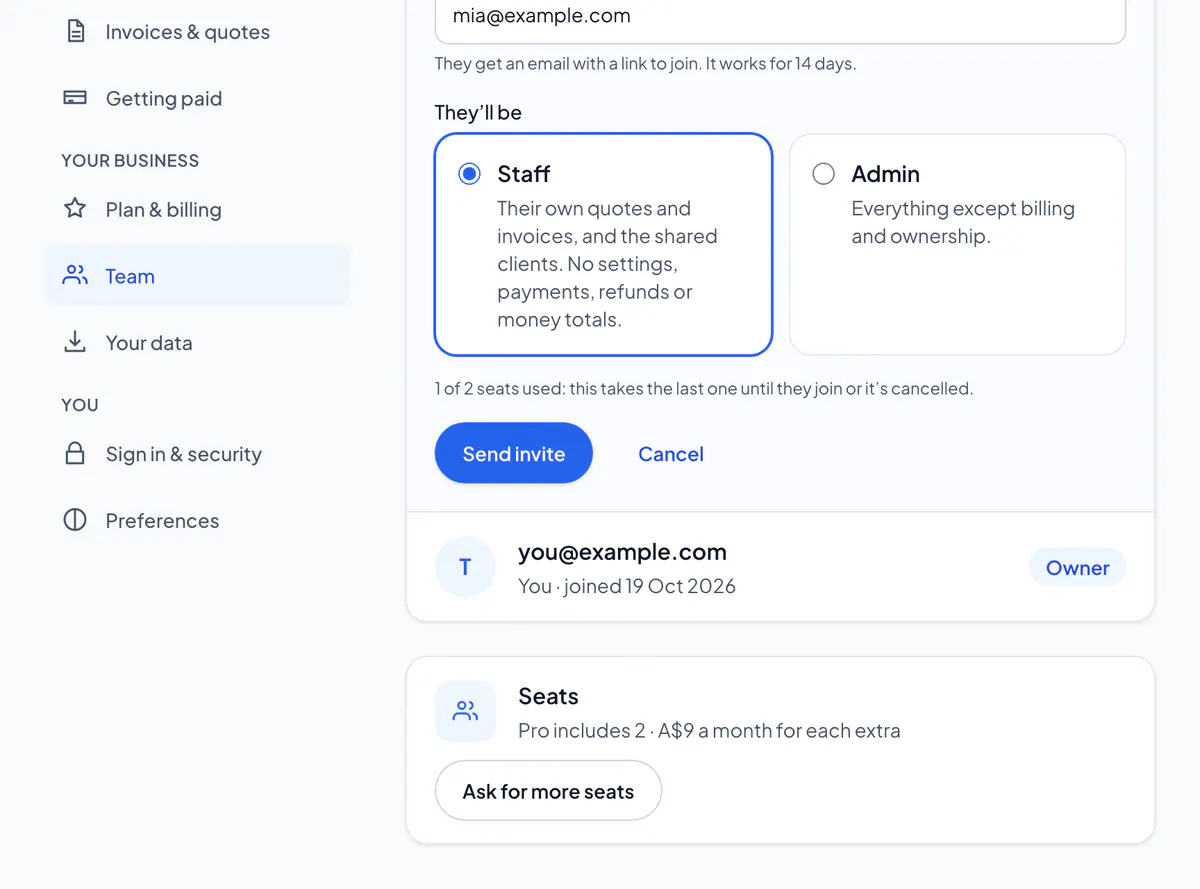
- Admin
- Everything except billing and ownership.
- Staff
- Their own quotes and invoices, and the shared clients. No settings, payments, refunds or money totals.
They accept from the email and sign in with their own account: an email belongs to one business. Until then they’re in the list as Waiting: open them to Send it again, or Cancel invite to free the seat. The account owner gets an email whenever someone joins.
To change someone’s role, or remove them, open them in the list (on the website, Change): what they made stays. Pro includes you and one more person; the owner can ask for more seats under Seats (on the website, or on an Android phone).
Did this answer your question?
Related articles
Still stuck?
Email support@thetechcompanygroup.com and we’ll help, or see Support.