How do I download my invoices and clients?
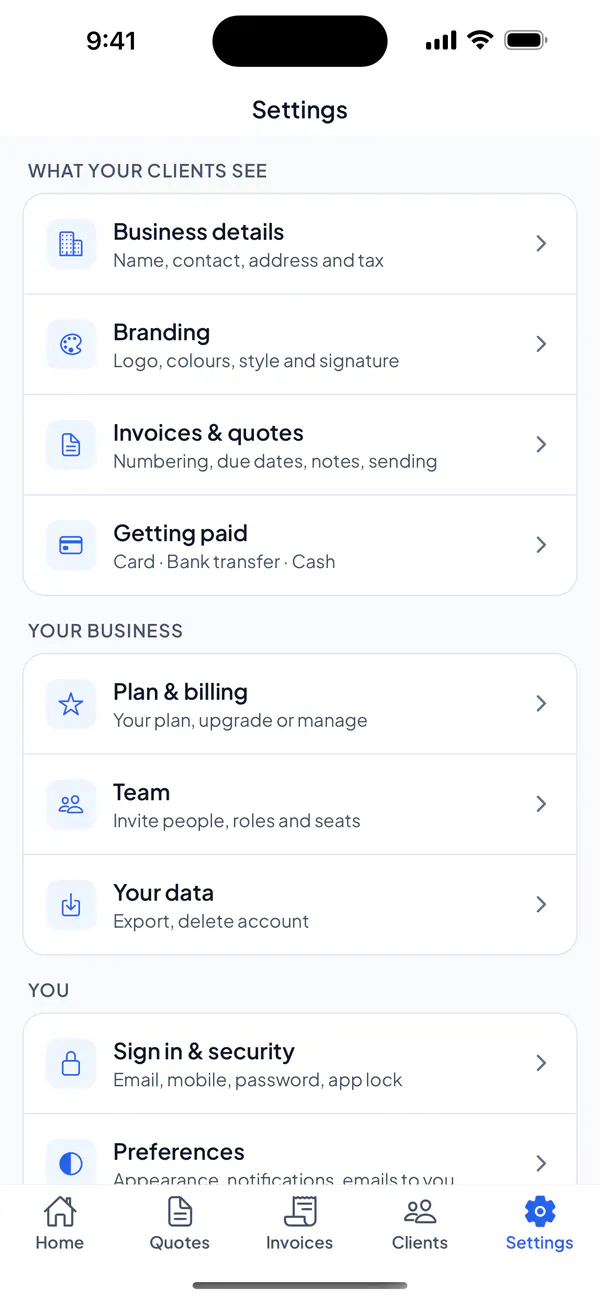
In Settings → Your data, download your quotes and invoices, their lines and your clients as spreadsheets, for your records.
Step 1: Open Settings → Your data.
Step 2: Tap Invoices & quotes, Line items or Clients, and choose where to send or save the file.
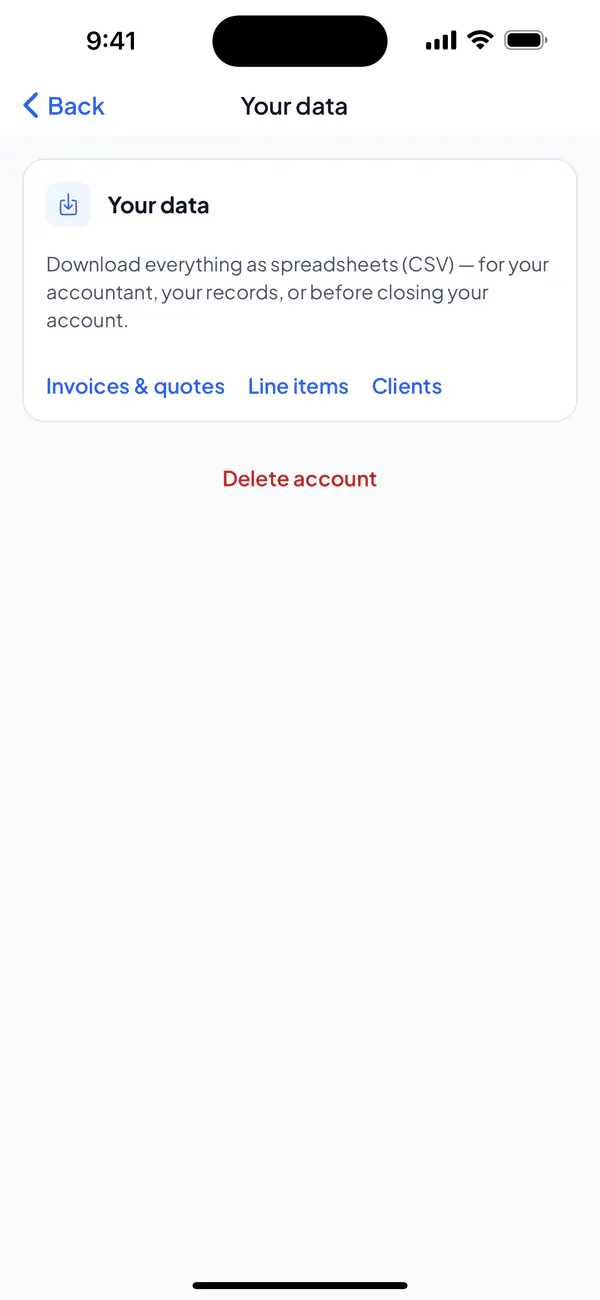
Step 1: Open Settings → Your data.
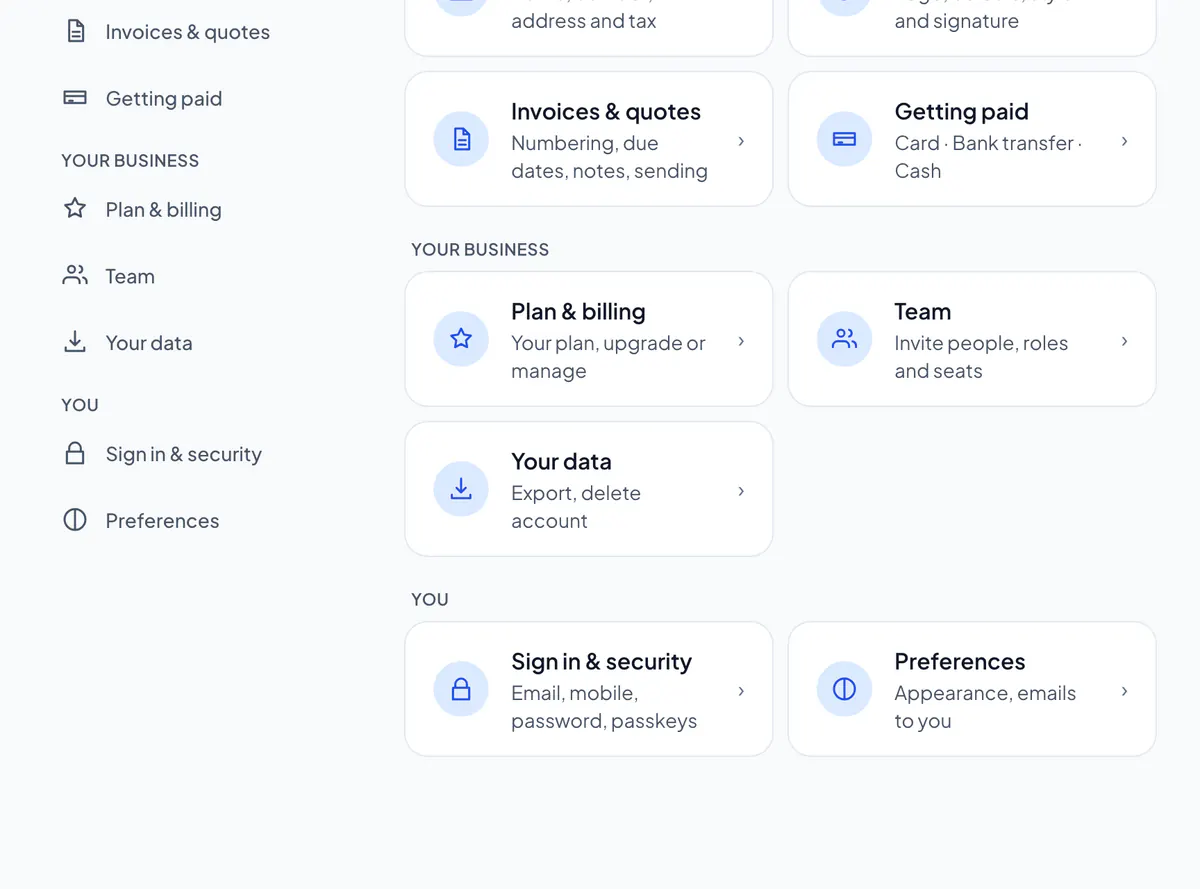
Step 2: Choose Invoices & quotes, Line items or Clients: the file downloads.
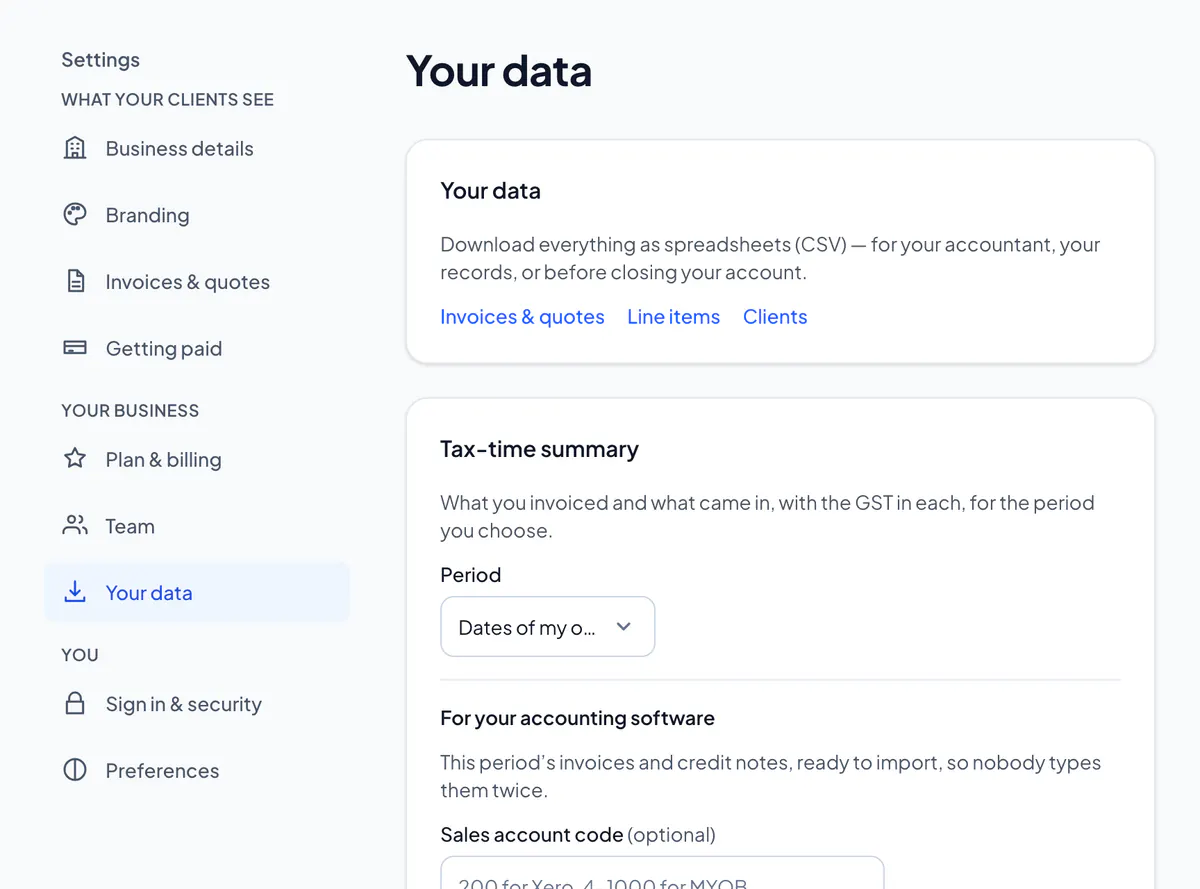
Each opens in Excel, Numbers or Google Sheets. Only the owner and admins can download them.
Did this answer your question?
Related articles
Still stuck?
Email support@thetechcompanygroup.com and we’ll help, or see Support.