How do I leave GST off one quote or invoice?
Registered for GST, but this job is GST-free? Turn GST off on just this one.
Step 1: On the quote or invoice, open Details.
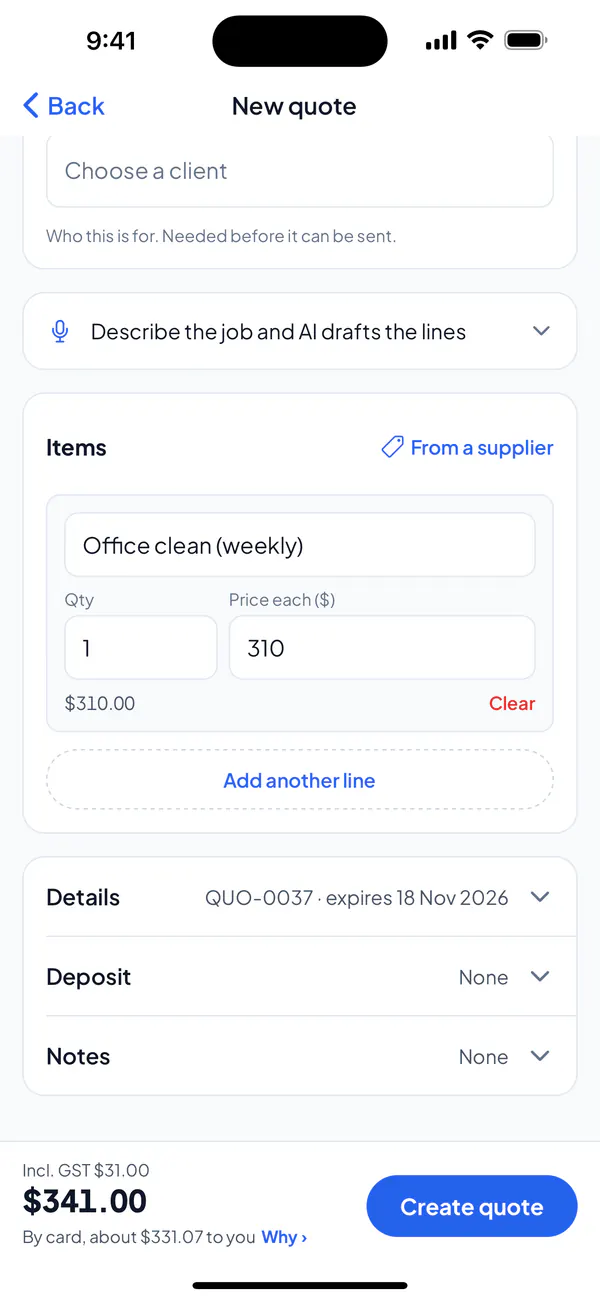
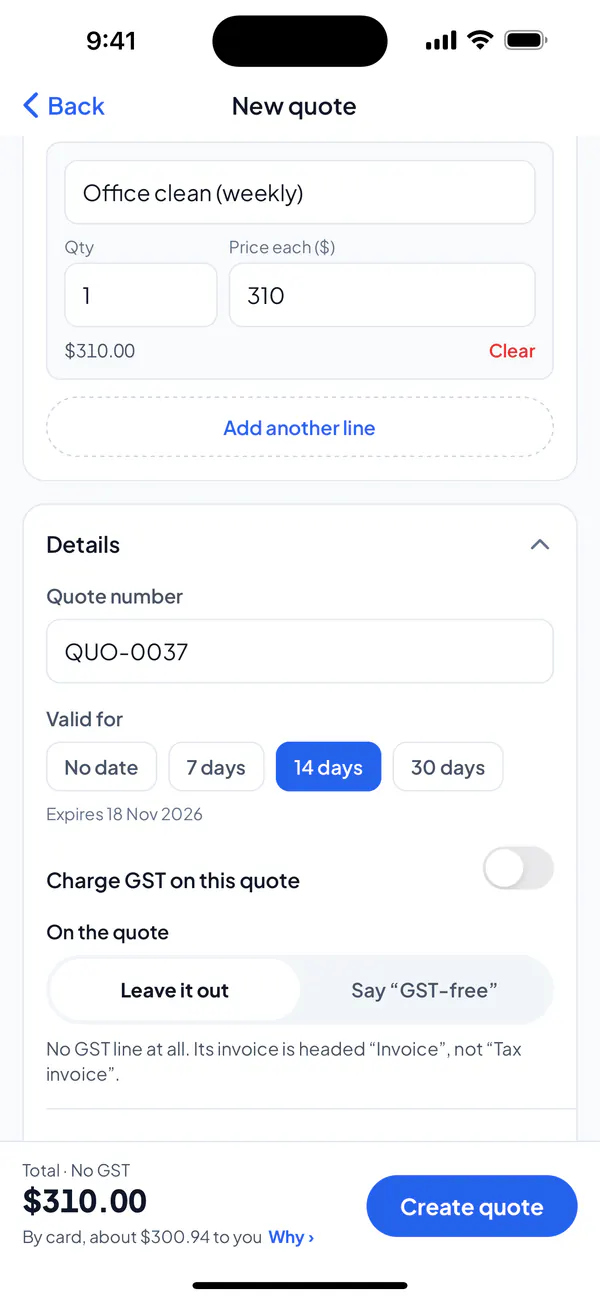
Step 2: Turn off Charge GST on this quote (or invoice), and choose how your client’s copy shows it: Leave it out (no GST line at all) or Say “GST-free”.
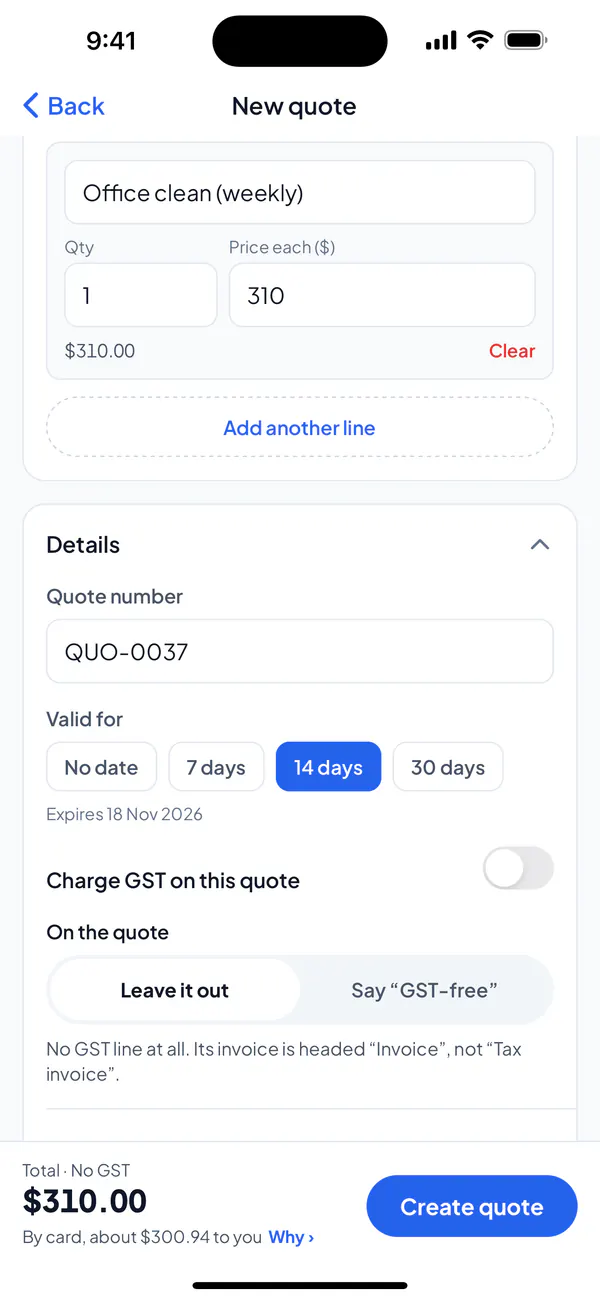
Step 3: Create or save it: the GST comes off the total.
Step 1: On the quote or invoice, open Details.
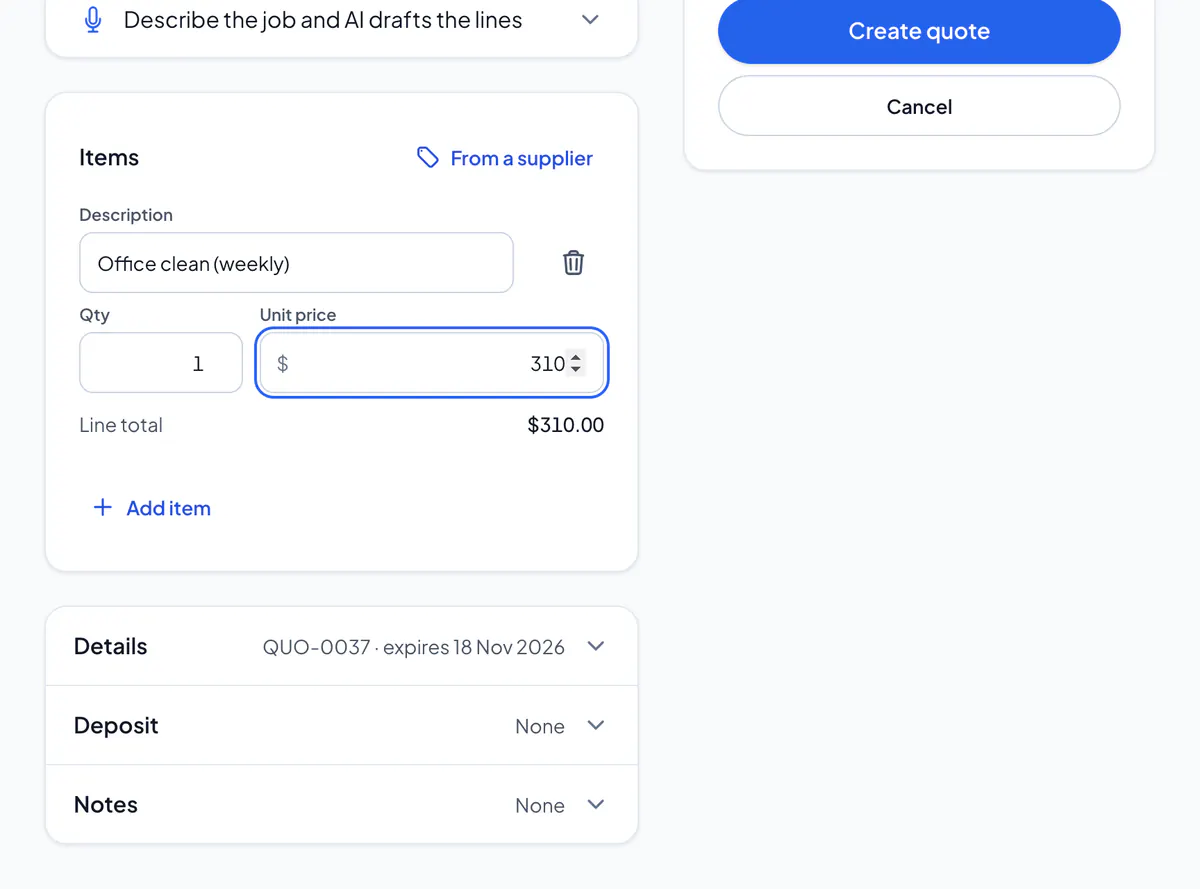
Step 2: Untick Charge GST on this quote (or invoice), and choose how your client’s copy shows it: Leave it out (no GST line at all) or Say “GST-free”.
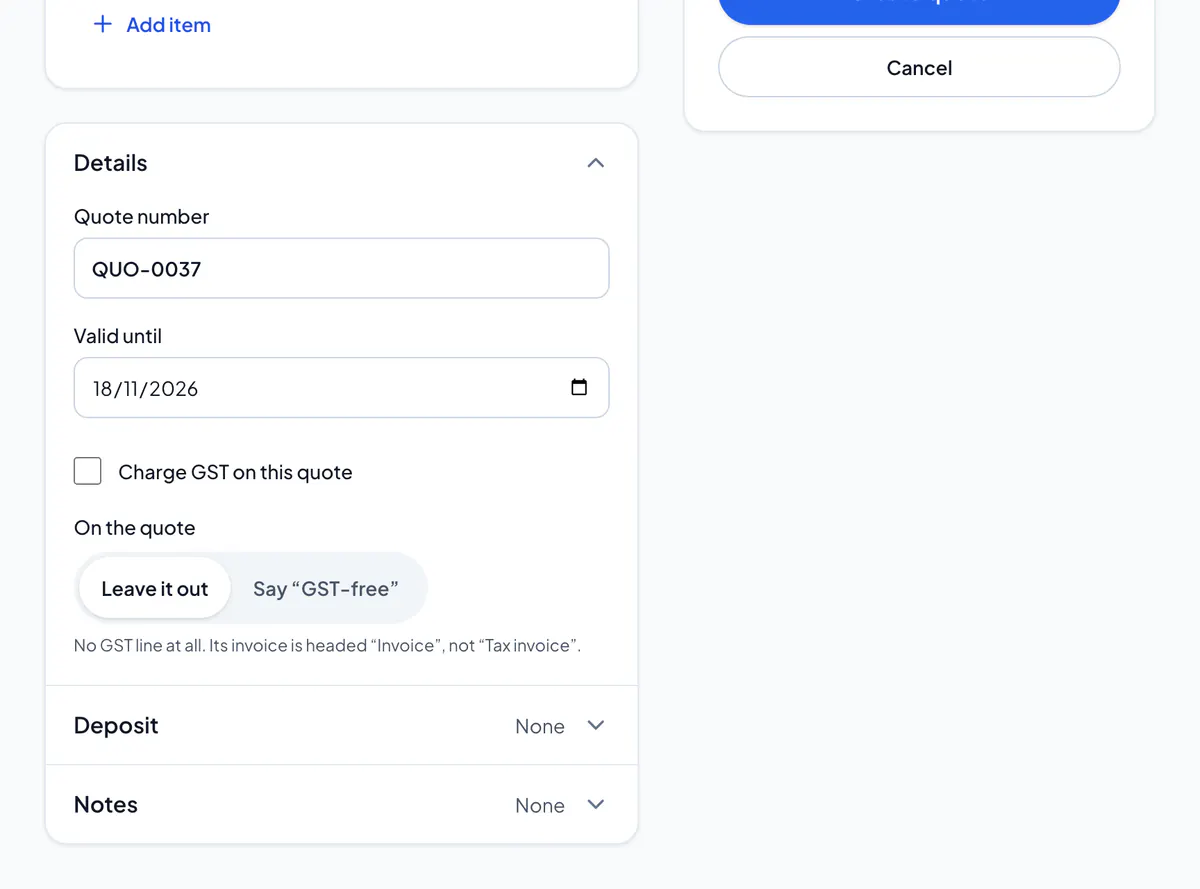
Step 3: Create or save it: the GST comes off the total.
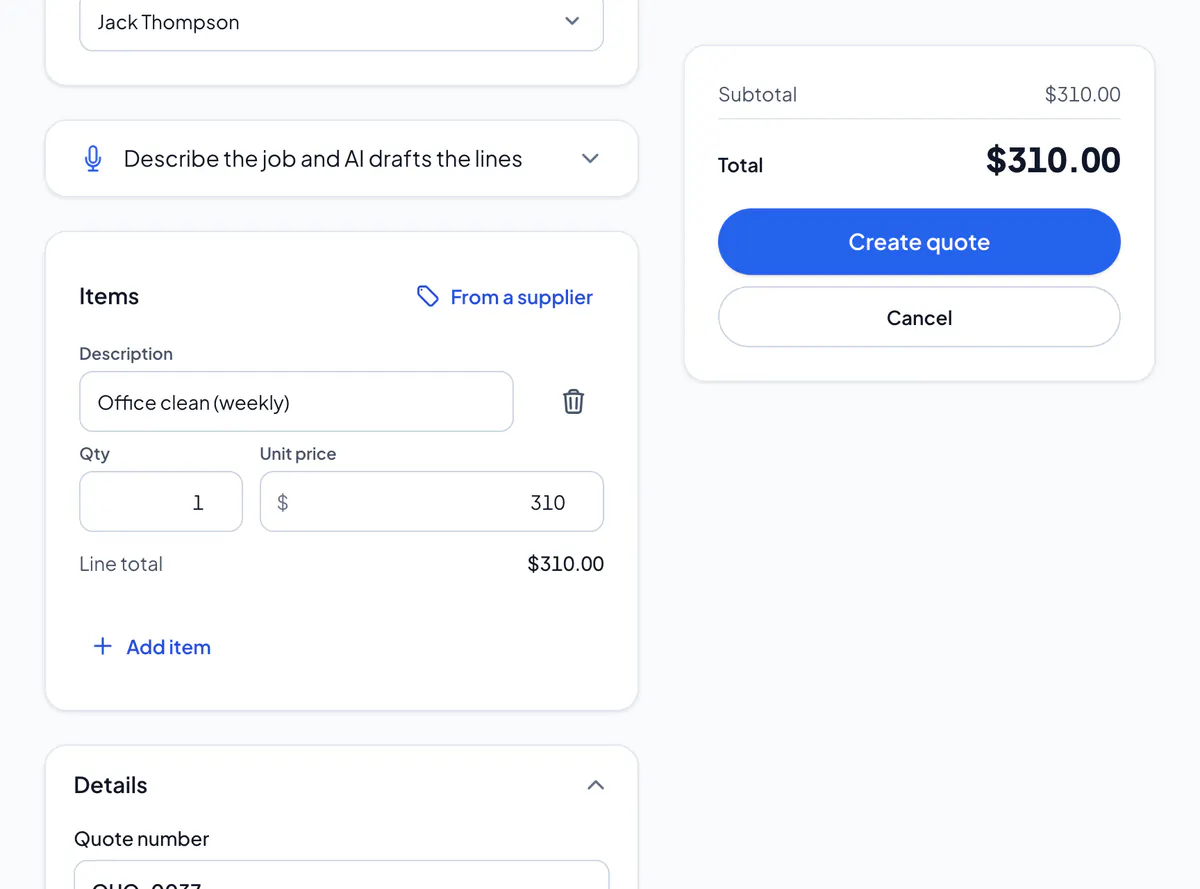
For a GST-free job, such as work for a client overseas. The invoice is then headed “Invoice”, not “Tax invoice”, as it shows no GST.
Your usual way is in Settings → Invoices & quotes, under When there’s no GST; each quote or invoice can still say otherwise.
The switch is there when you’re registered for GST. Not sure whether a job is GST-free? Ask your accountant.
Did this answer your question?
Related articles
Still stuck?
Email support@thetechcompanygroup.com and we’ll help, or see Support.