How do I ask for a deposit?
On a quote, open Deposit and choose a percentage or an amount. Your client pays it when they accept, and it comes off the invoice.
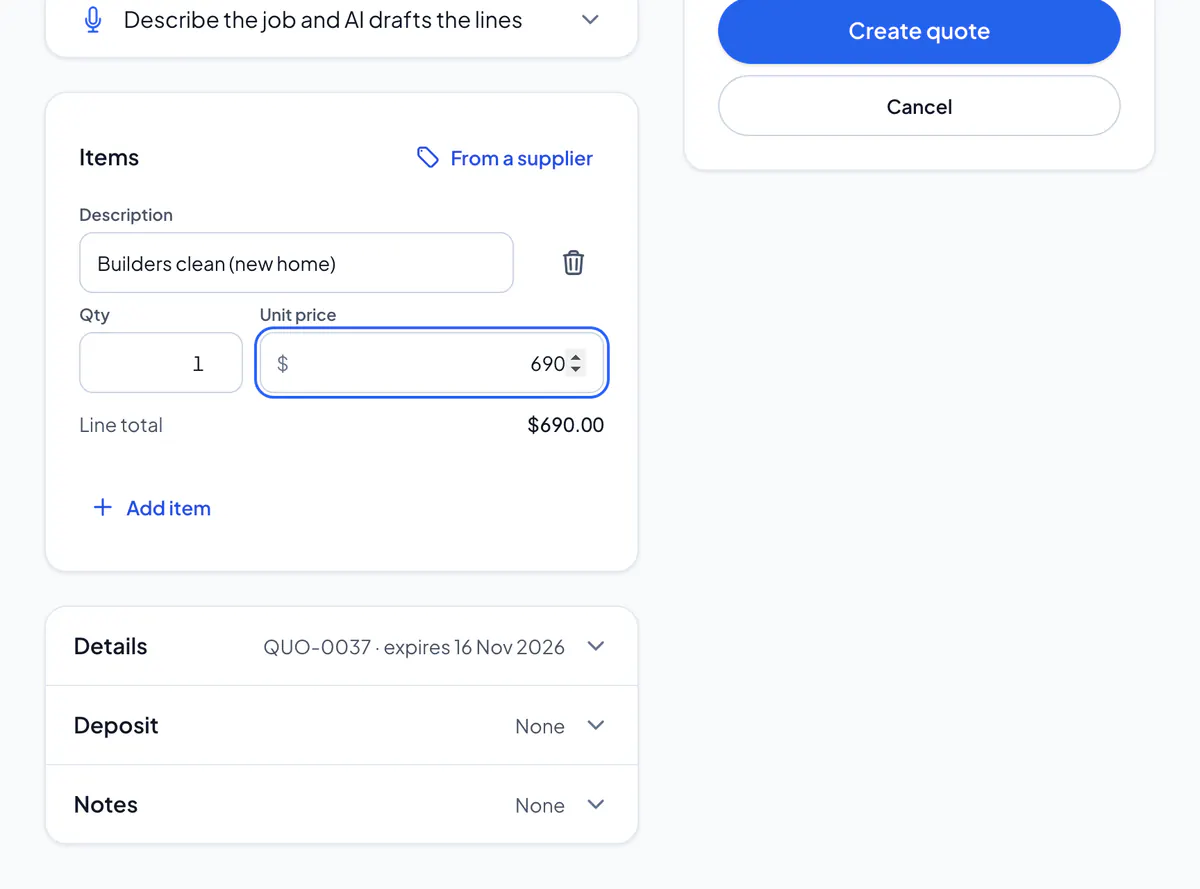
Step 1: On a new quote, or with Edit quote, open Deposit.
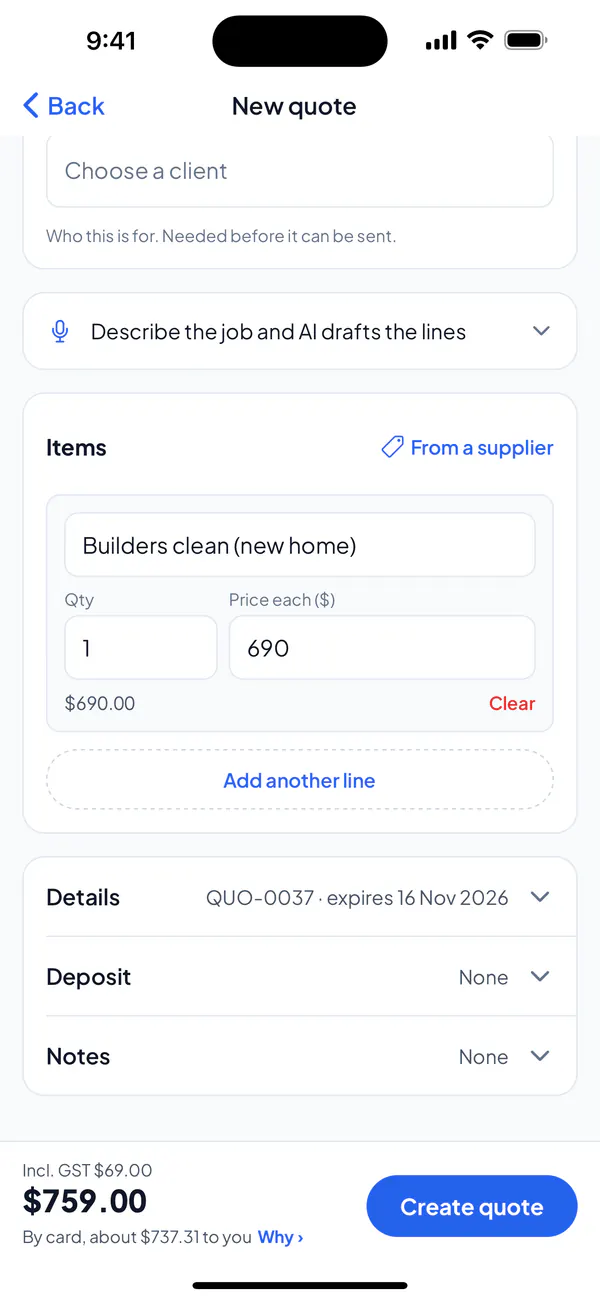
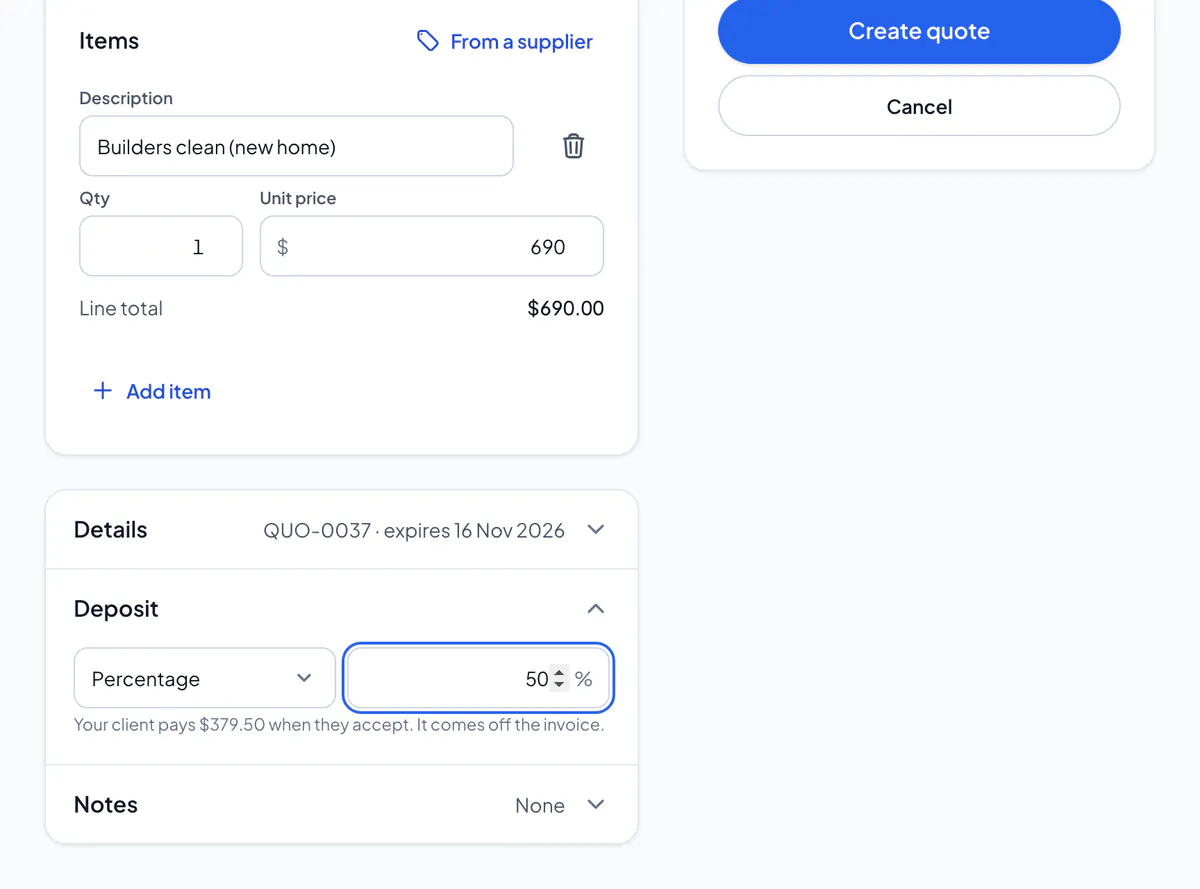
Step 2: Choose Percentage or Amount, and type it.
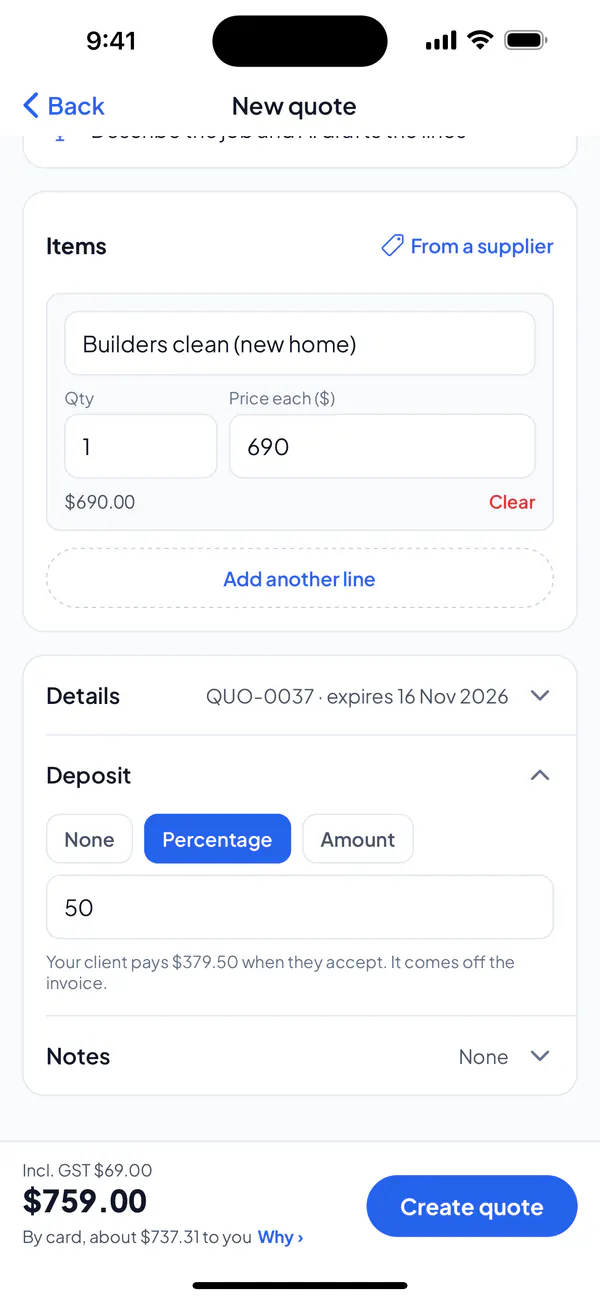
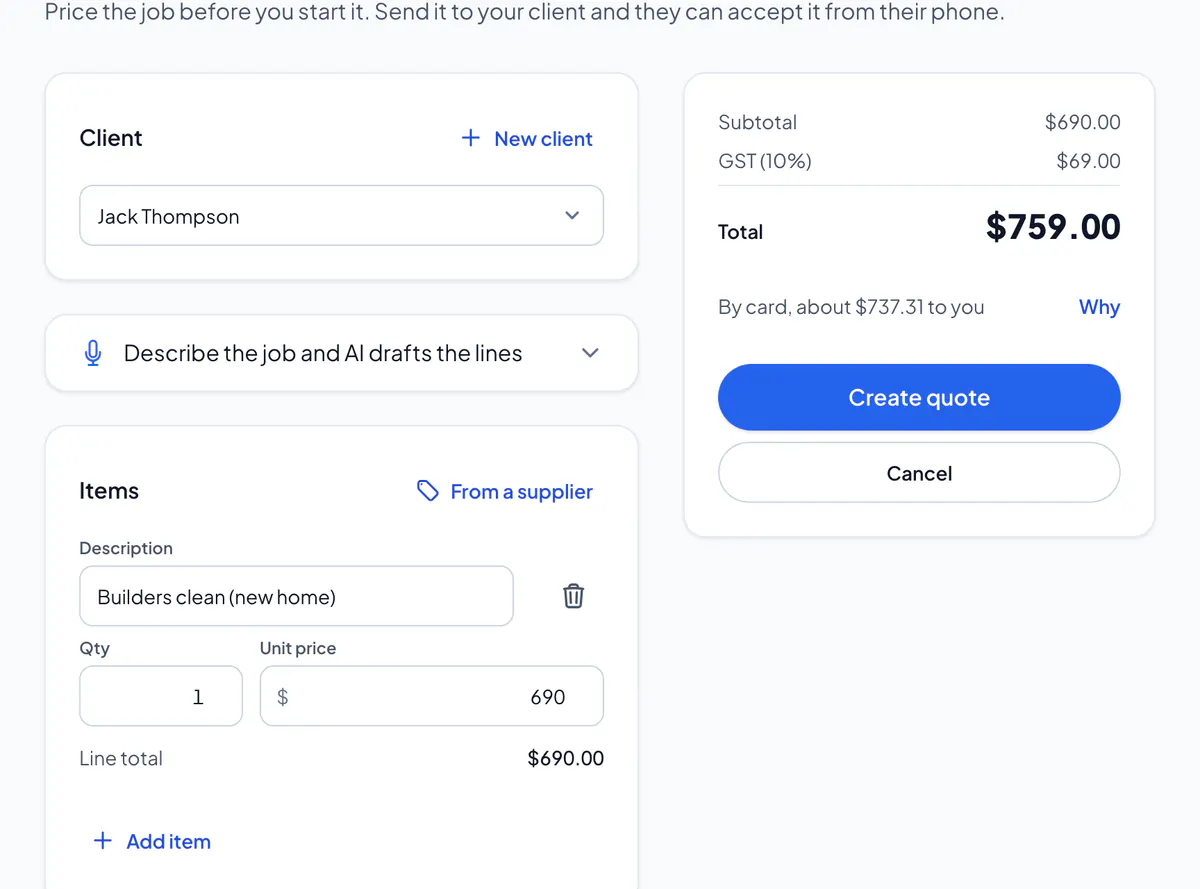
Step 3: Create or save the quote, and send it.
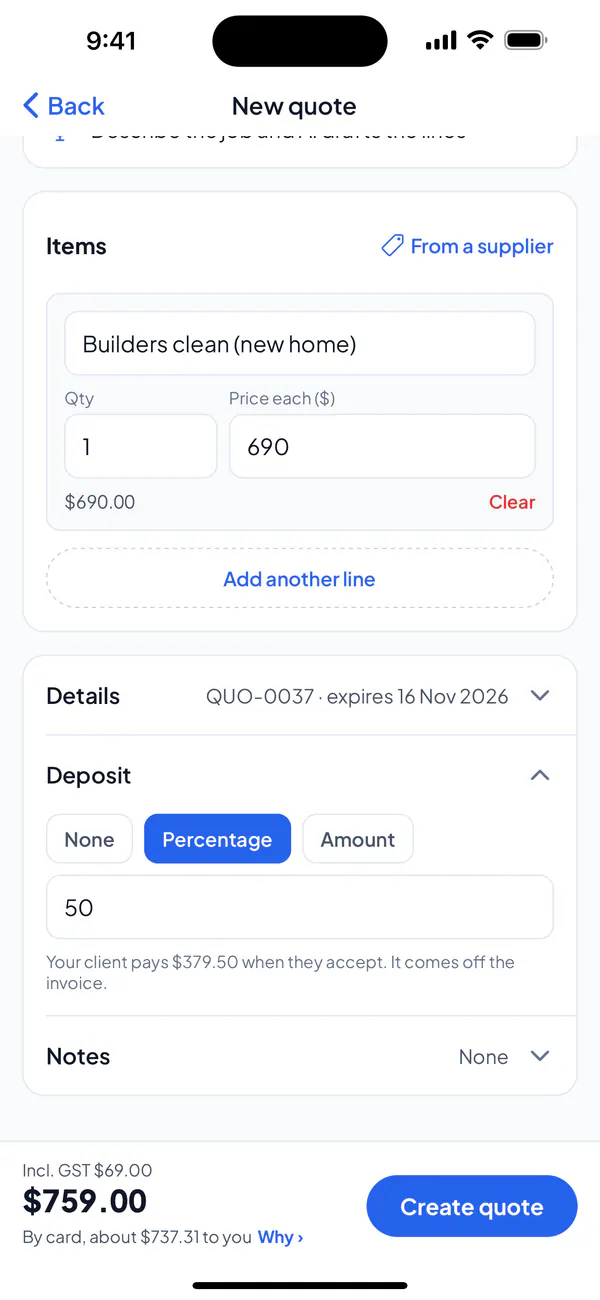
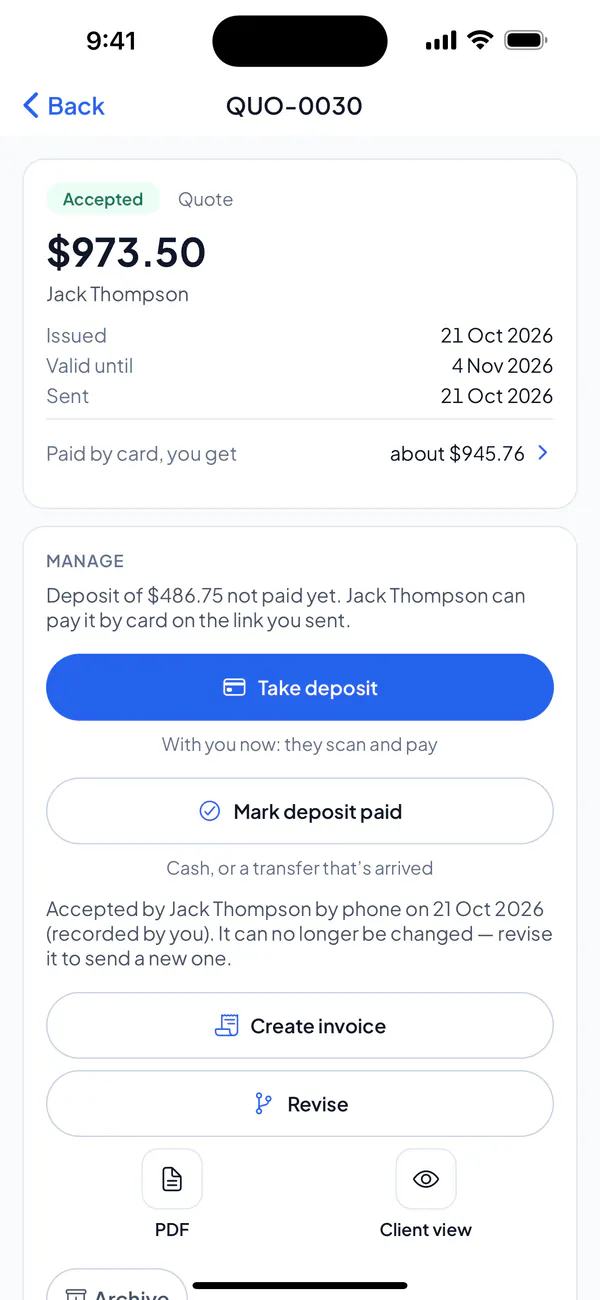
Step 4: Your client with you? On the accepted quote, tap Take deposit: they scan a code and pay it on their phone.
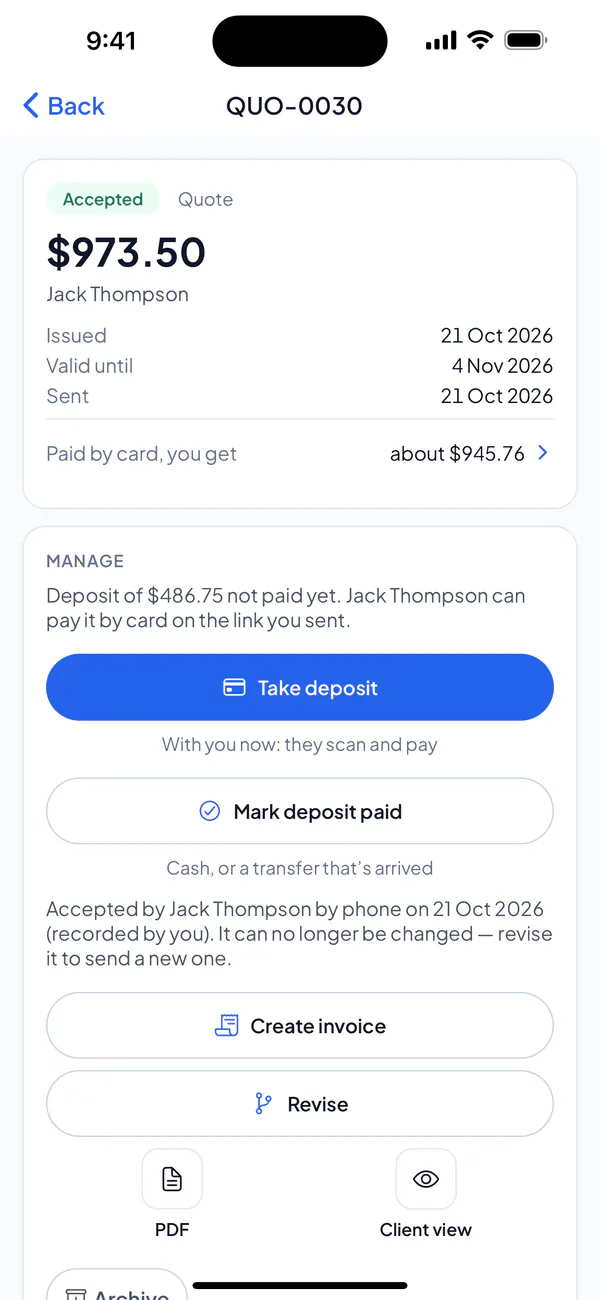
Step 5: Paid in cash, or a transfer that’s arrived? On the accepted quote, tap Mark deposit paid.
Step 1: On a new quote, or with Edit, open Deposit.
Step 2: Choose Percentage or Amount, and type it.
Step 3: Create or save the quote, and send it.
Step 4: Your client with you? On the accepted quote, choose Take deposit: they scan a code and pay it on their phone.
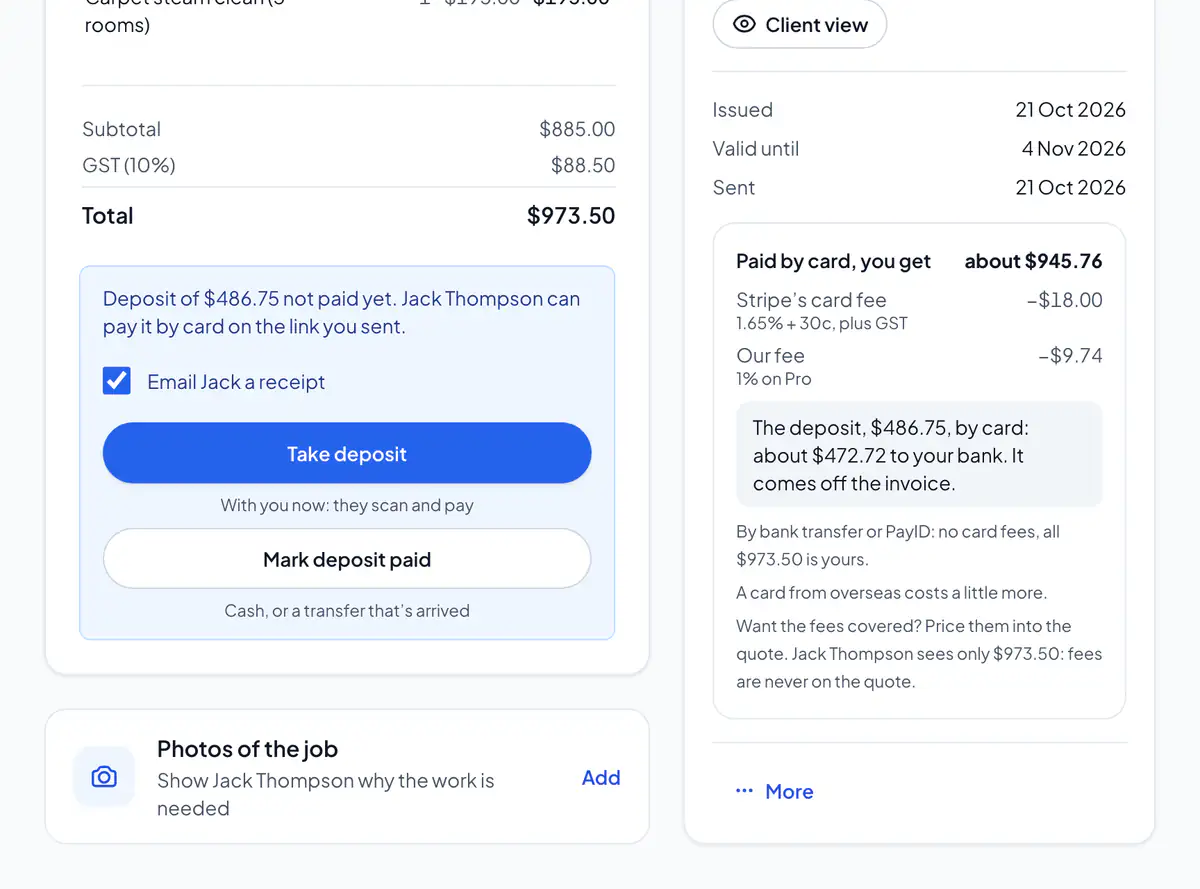
Step 5: Paid in cash, or a transfer that’s arrived? On the accepted quote, choose Mark deposit paid.
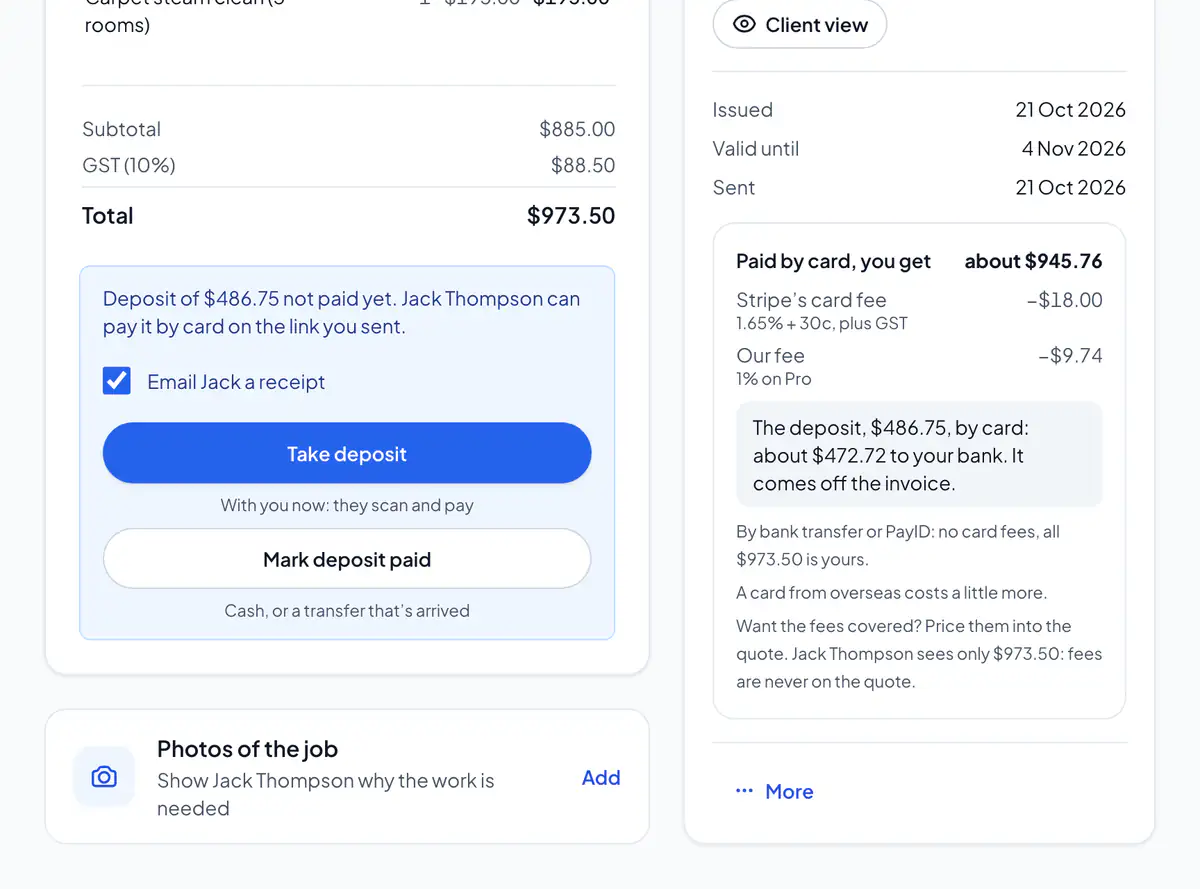
With card payments on, your client pays the deposit by card straight after accepting, on the same link. Without them, they’re told you’ll say how to pay it.
When the job’s done, create the invoice from the quote: the deposit comes off what they owe. Once a quote is accepted, its deposit can’t change.
Did this answer your question?
Related articles
Still stuck?
Email support@thetechcompanygroup.com and we’ll help, or see Support.