How do I change a quote or invoice I’ve sent?
Open it, choose Edit, change it and save, then send it again. An accepted quote can’t be changed: revise it instead.
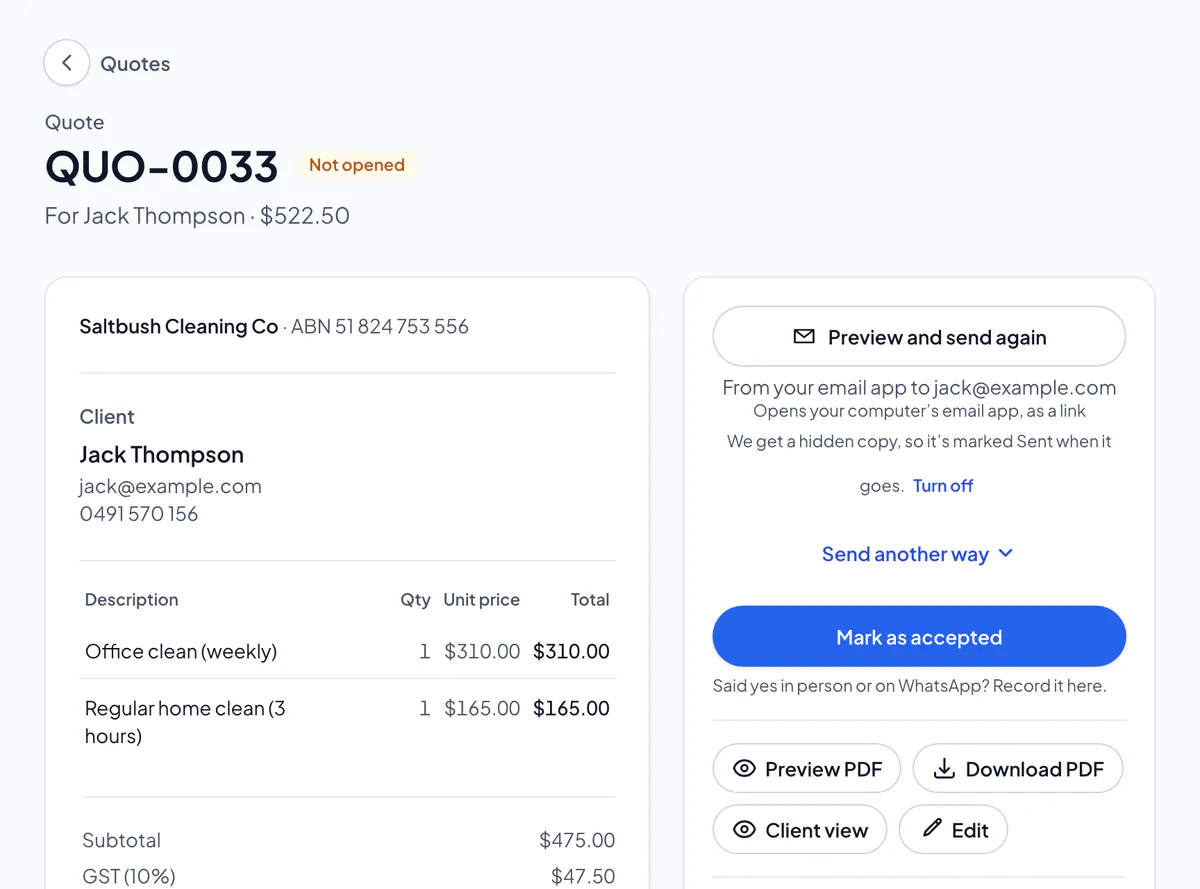
Step 1: Open the quote or invoice and tap Edit quote (or Edit invoice).
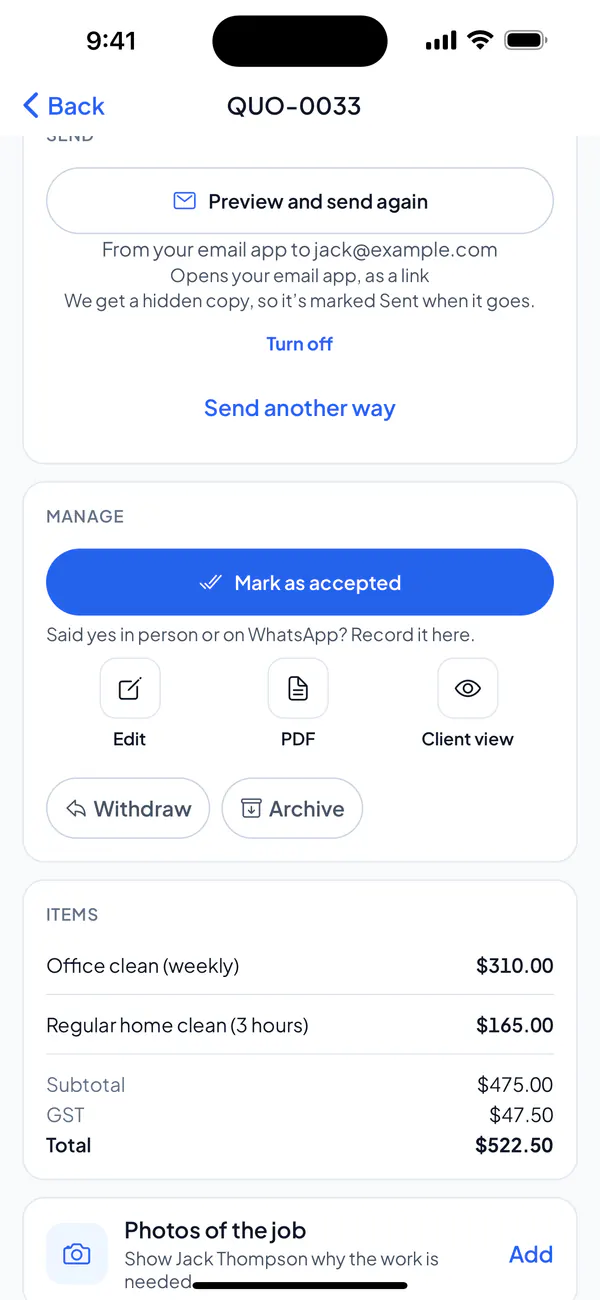
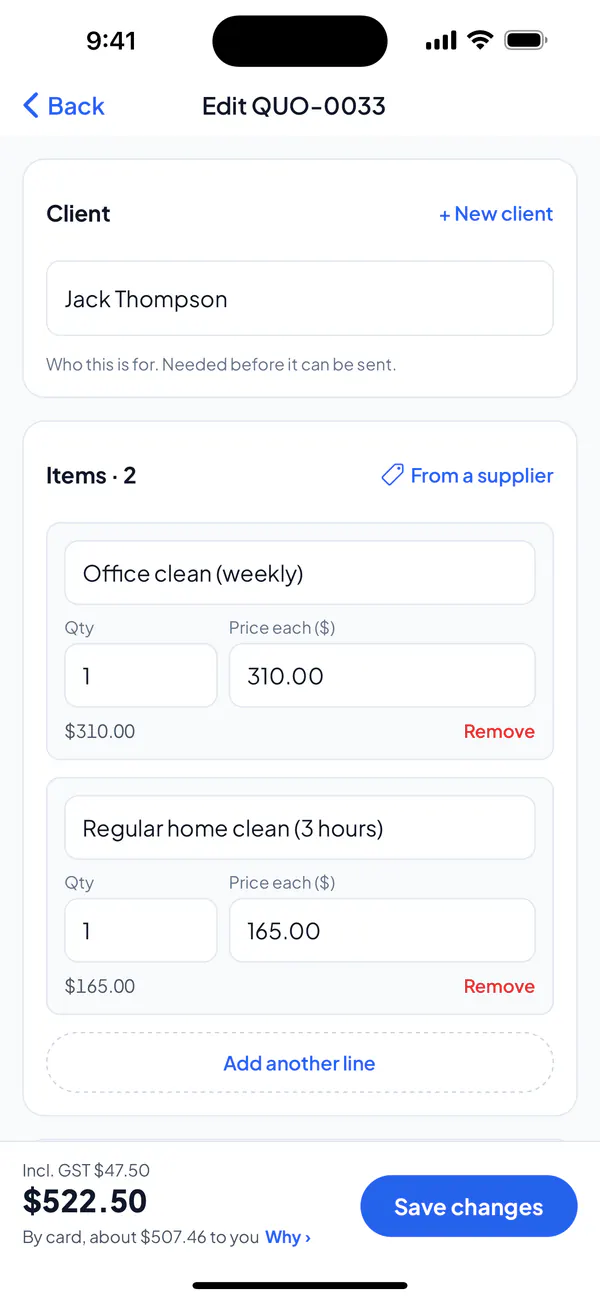
Step 2: Change what you need and tap Save changes.
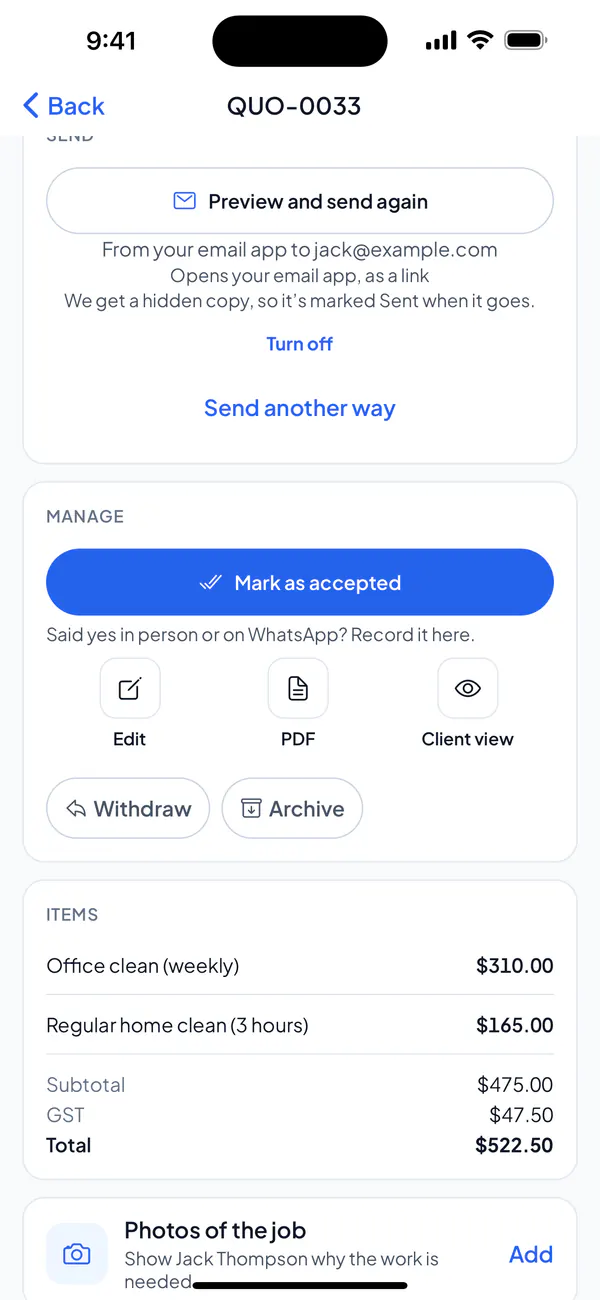
Step 3: Send it again, so your client has the new one.
Step 1: Open the quote or invoice and choose Edit.
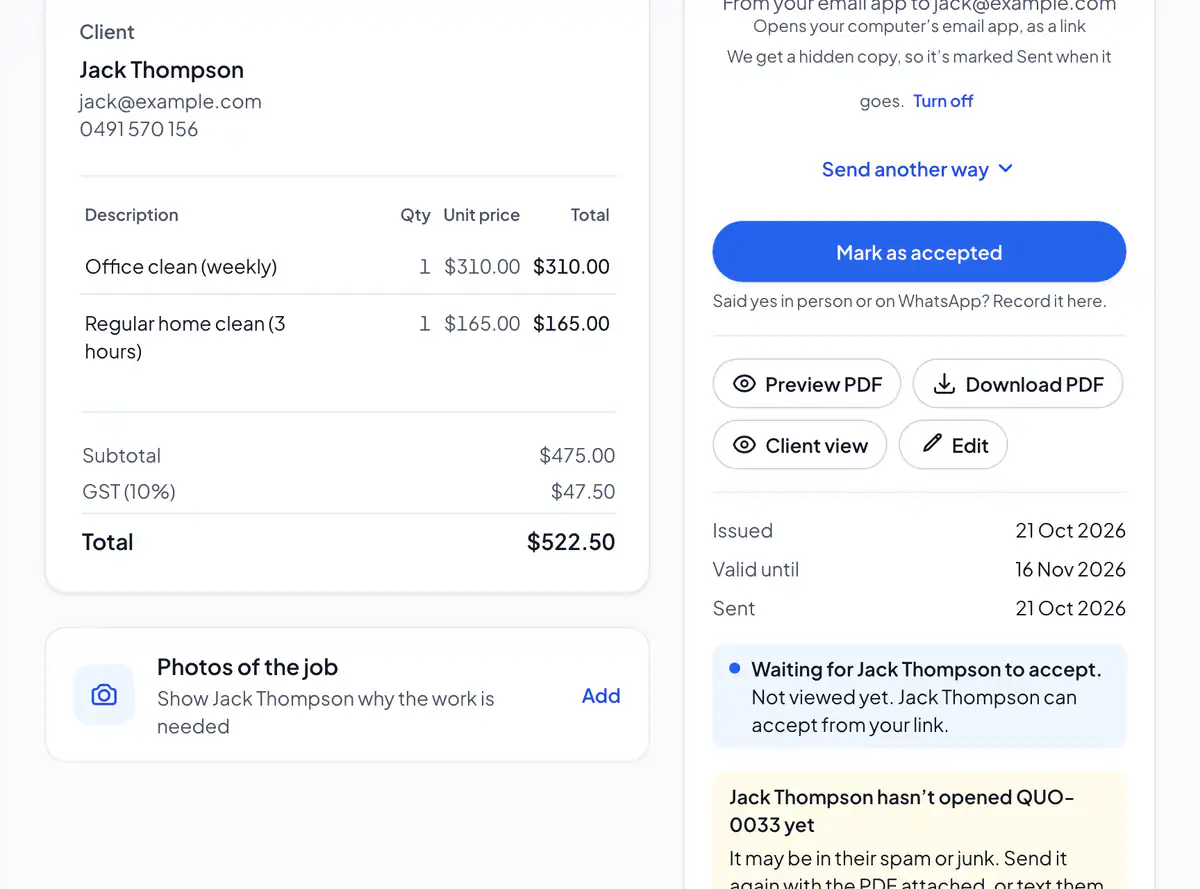
Step 2: Change what you need and choose Save changes.
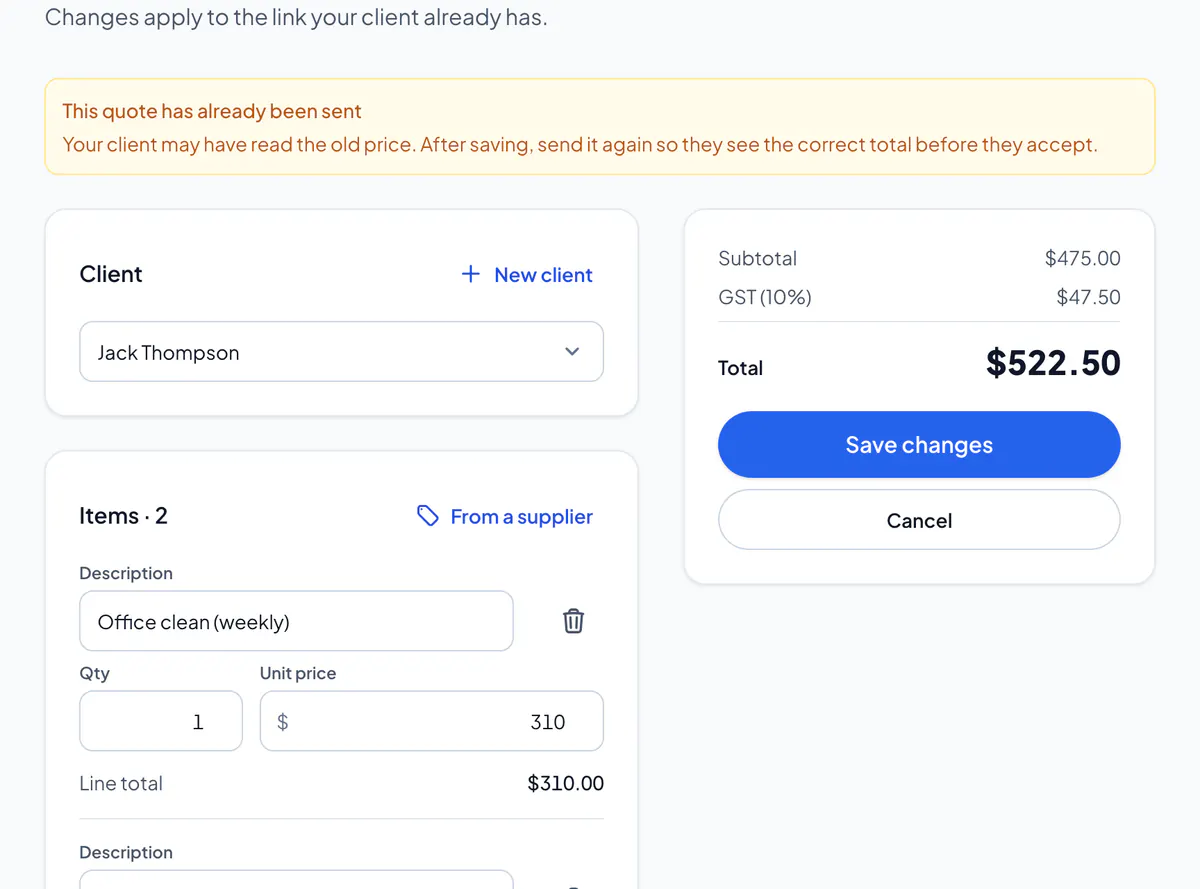
Step 3: Send it again, so your client has the new one.
An accepted quote
It’s what your client agreed to, so it can’t be changed. Open it and choose Revise: a new quote opens, with a new number, for you to change and send. Your client accepts the new one.
A paid or void invoice
A paid invoice is the record of a payment: give a refund or credit note instead. A void one can’t be changed either.
Did this answer your question?
Related articles
Still stuck?
Email support@thetechcompanygroup.com and we’ll help, or see Support.