How do I give a refund or credit note?
Open the paid invoice, choose Refund or credit, and type the amount to give back and why. The credit note opens, to send to your client.
Step 1: Open the paid invoice and tap Refund or credit.
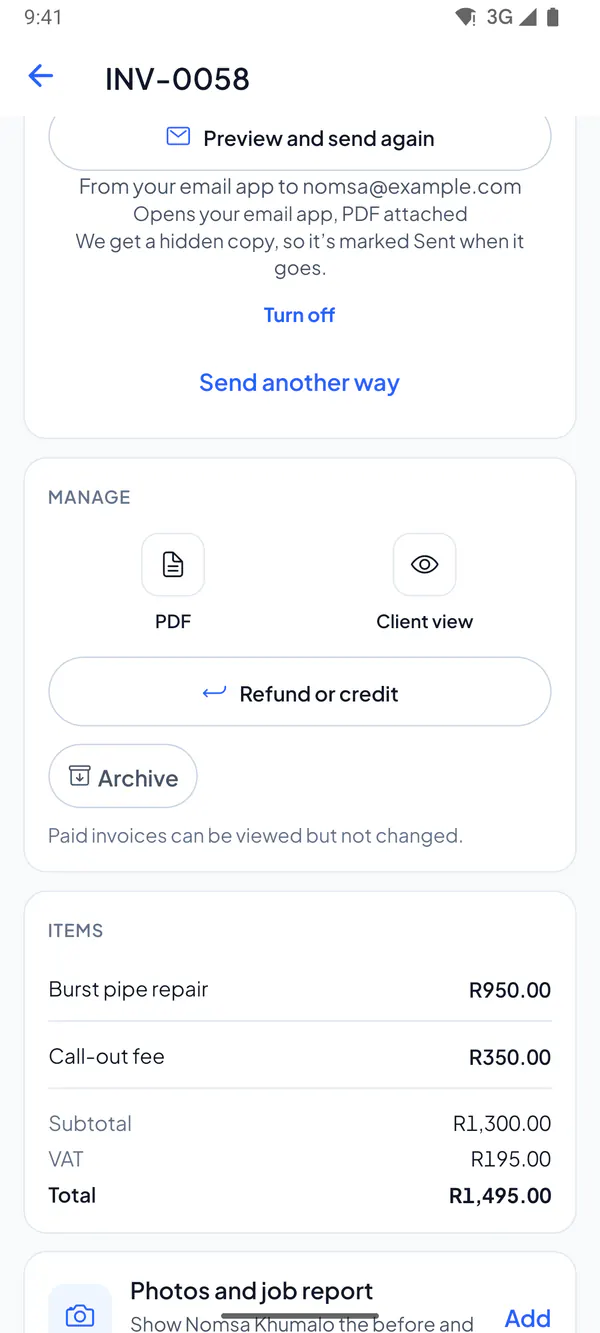
Step 2: Type the amount to give back, and the reason: it’s printed on the note.
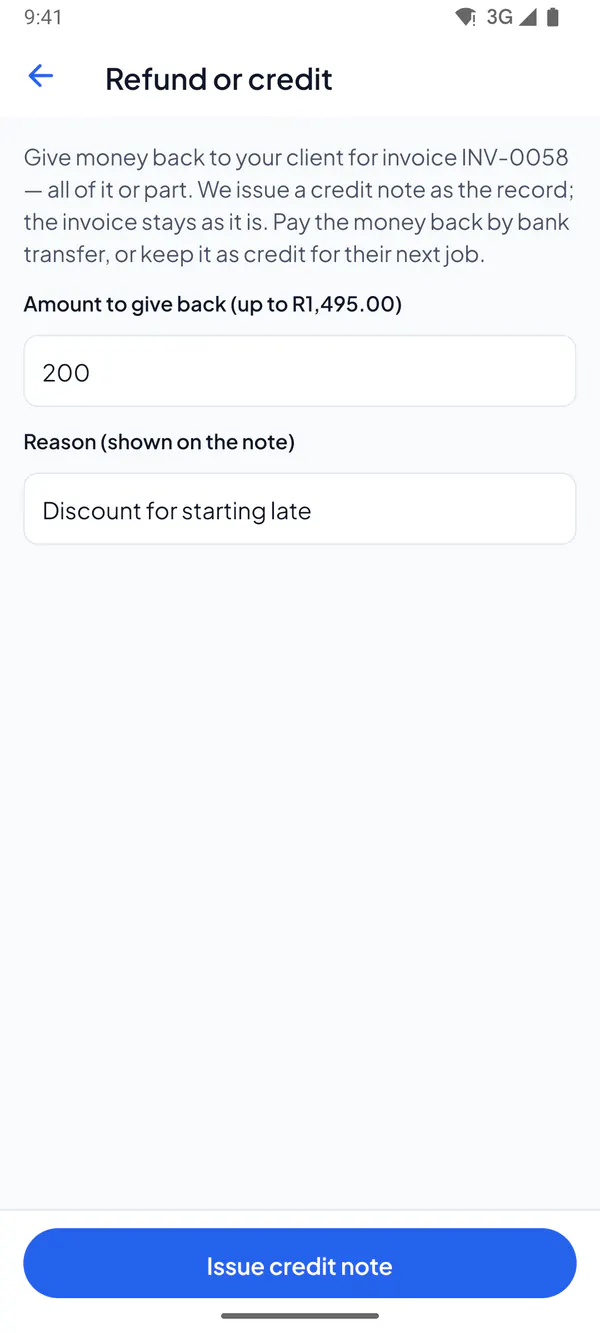
Step 3: Tap Issue credit note. It opens, for you to send to your client.
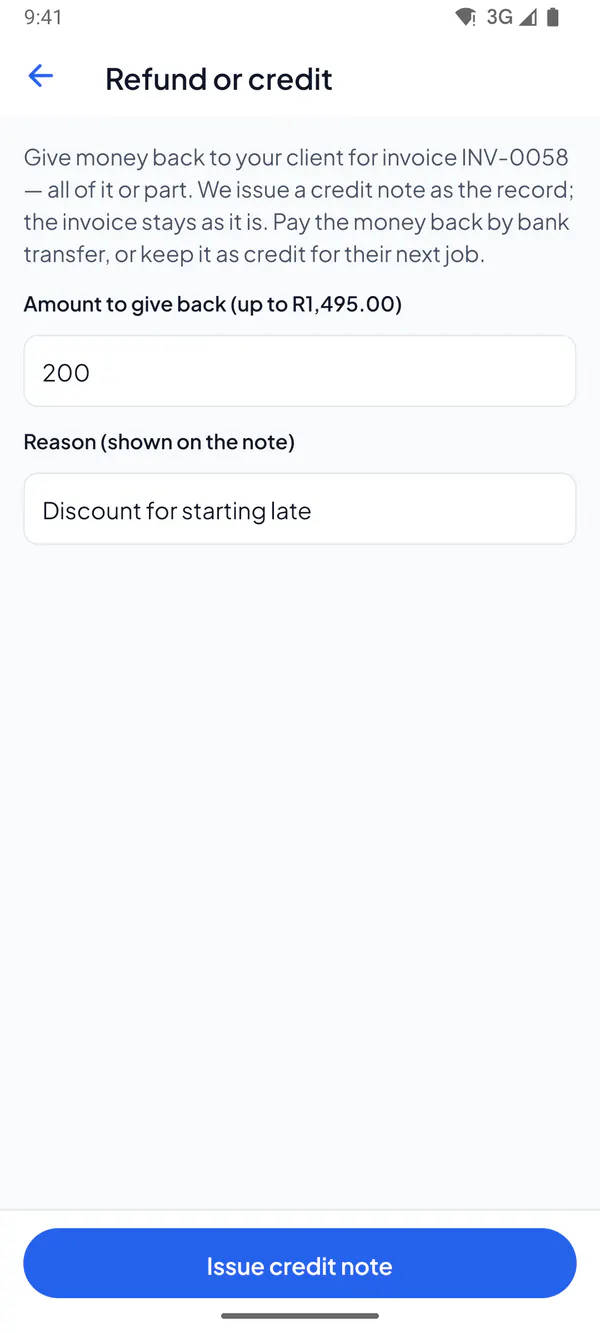
Step 1: Open the paid invoice and choose Refund or credit.
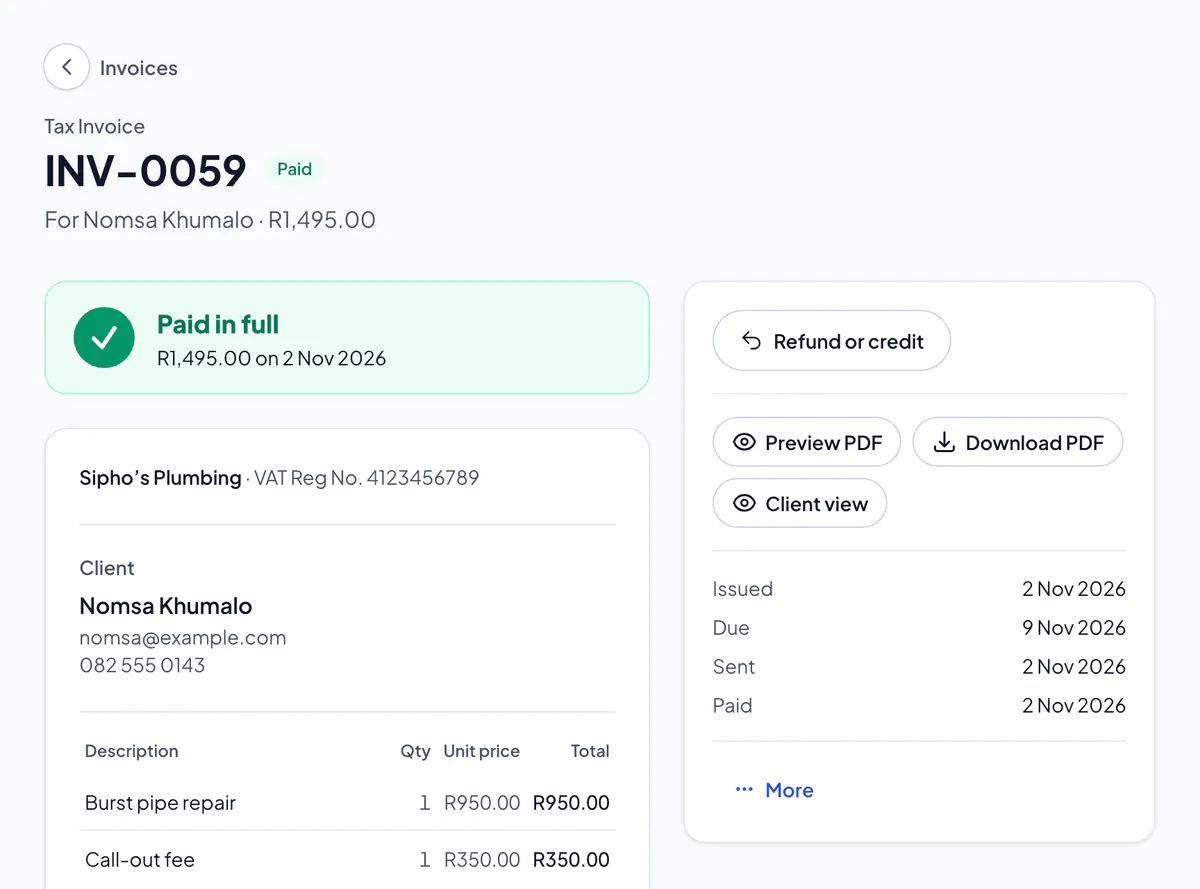
Step 2: Type the amount to give back, and the reason: it’s printed on the note.
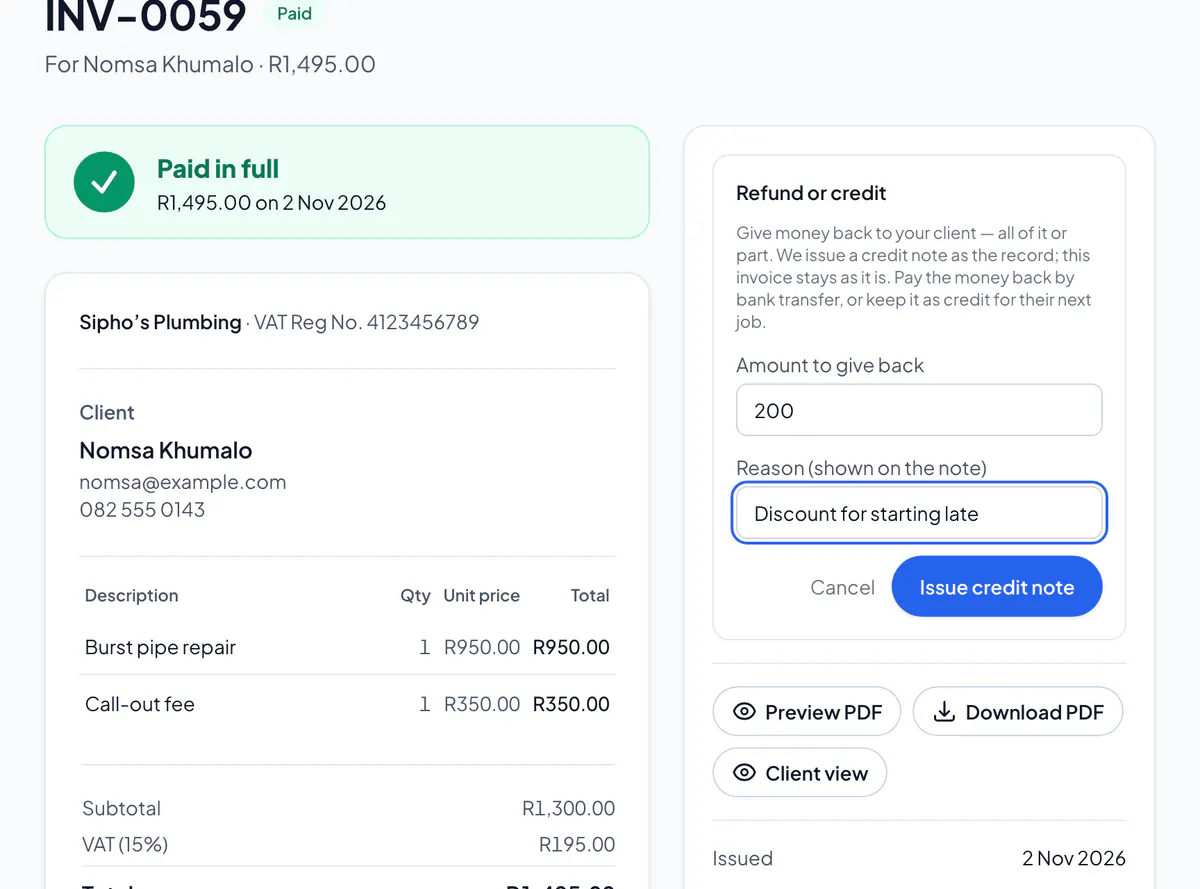
Step 3: Choose Issue credit note. It opens, for you to send to your client.
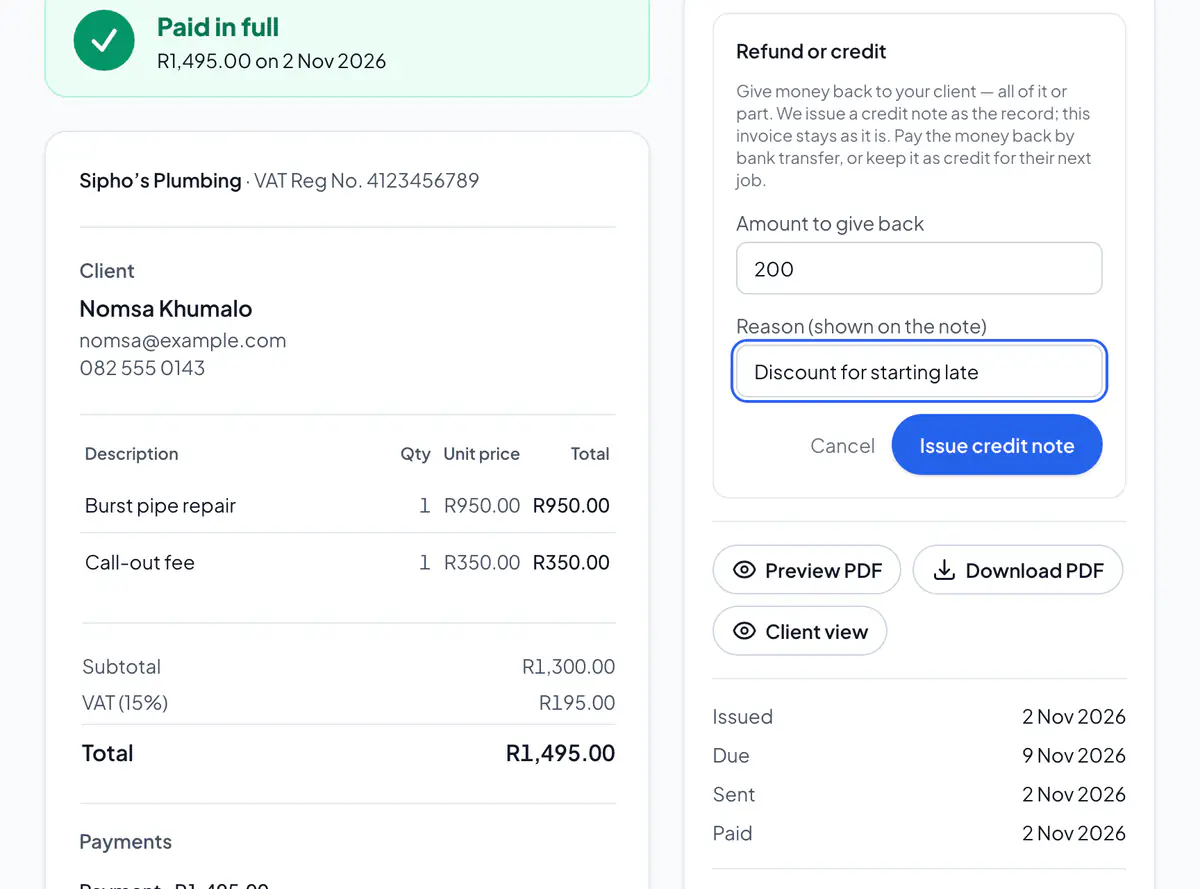
Give the money back by EFT, and the credit note records it. Refunding straight to a client’s card is from a reserve you top up first: email support to set it up.
Several notes can go on one invoice, up to its total. Only the owner and admins can give them. Not paid yet? Edit the invoice, or void it, instead.
Did this answer your question?
Related articles
Still stuck?
Email support@thetechcompanygroup.com and we’ll help, or see Support.