How do I delete my account?
In Settings → Your data, choose Delete account and confirm. If nobody else is in your business, your business and everything in it go too.
Step 1: Download your data first, if you need your records: Settings → Your data.

Step 2: In Settings → Your data, tap Delete account.

Step 3: Tap Continue, then Delete account to confirm.
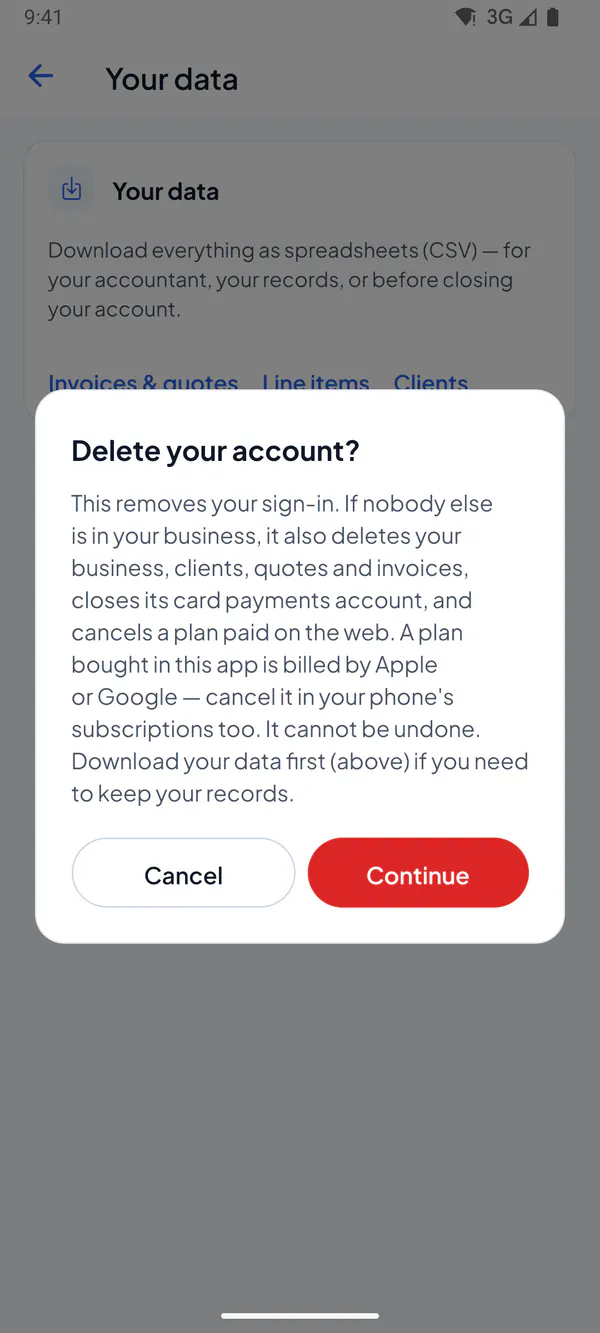
Step 1: Download your data first, if you need your records: Settings → Your data.
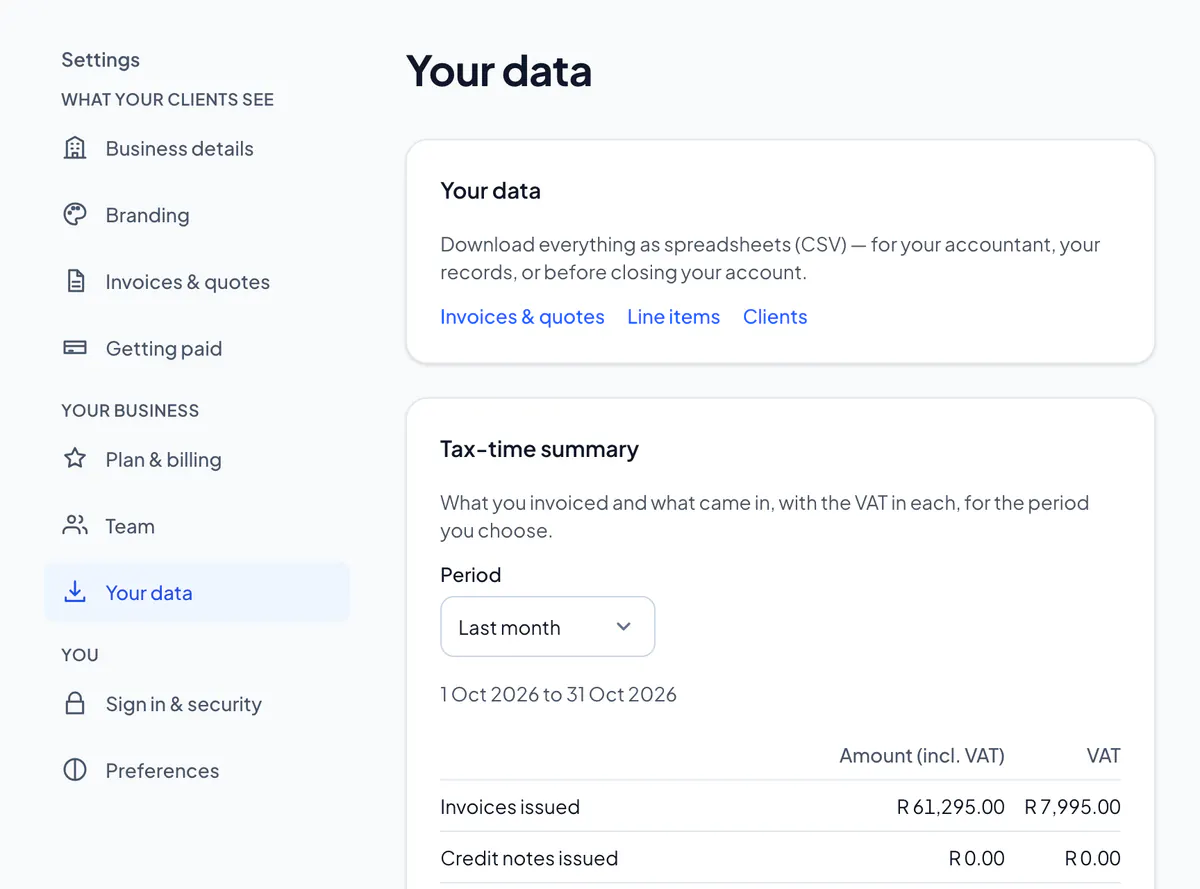
Step 2: Choose Delete account, type DELETE, and choose Delete account.
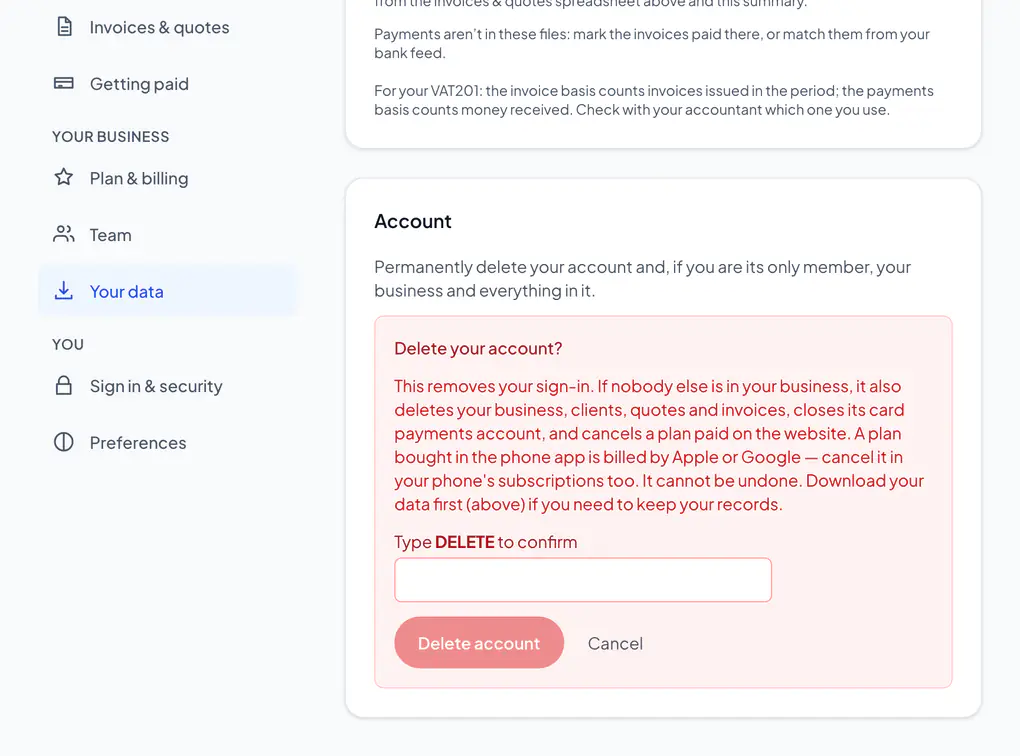
It removes your sign-in. If nobody else is in your business, it also deletes your business, clients, quotes and invoices and cancels a plan paid on the website. With others in it, the business passes to the person who has been in it longest.
A plan bought in the app is billed by Apple or Google: cancel it in your phone’s subscriptions too. It can’t be undone.
Staff don’t see Your data: ask the owner or an admin to remove you from the team.
Did this answer your question?
Related articles
Still stuck?
Email support@thetechcompanygroup.com and we’ll help, or see Support.