How do I archive or delete a client?
Archive a client to hide them; their quotes and invoices stay. Delete only a client with nothing that has to stay on your records.
Step 1: Open the client.
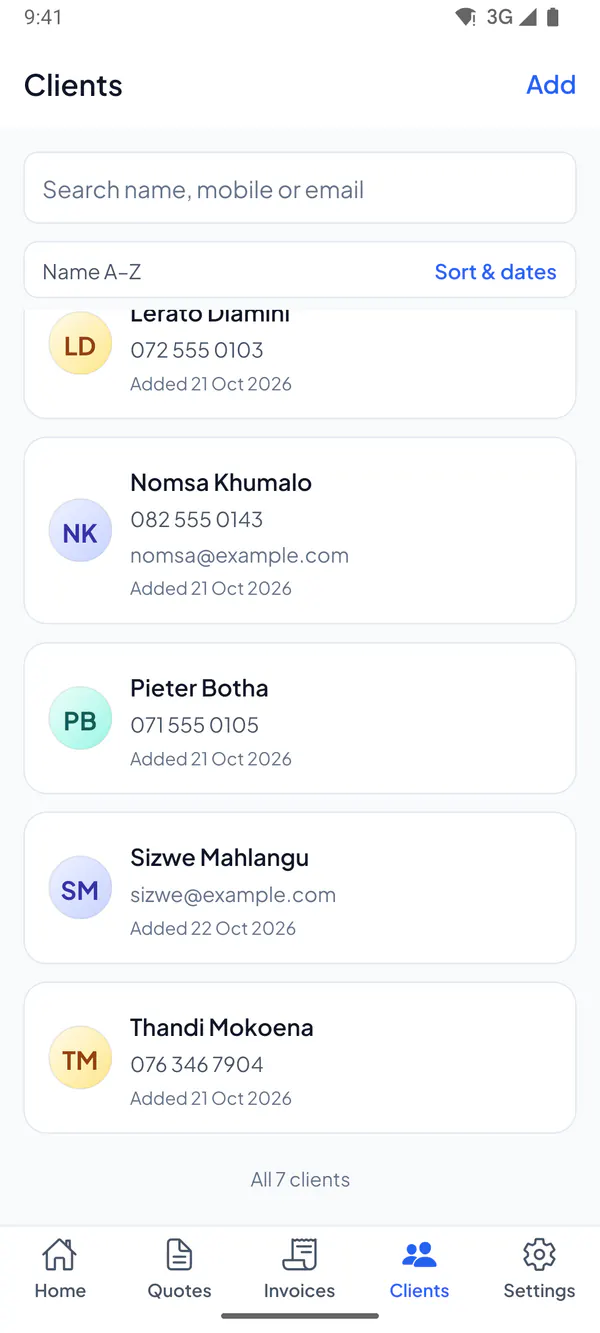
Step 2: Tap Archive client: they’re hidden from your list and from new quotes and invoices.
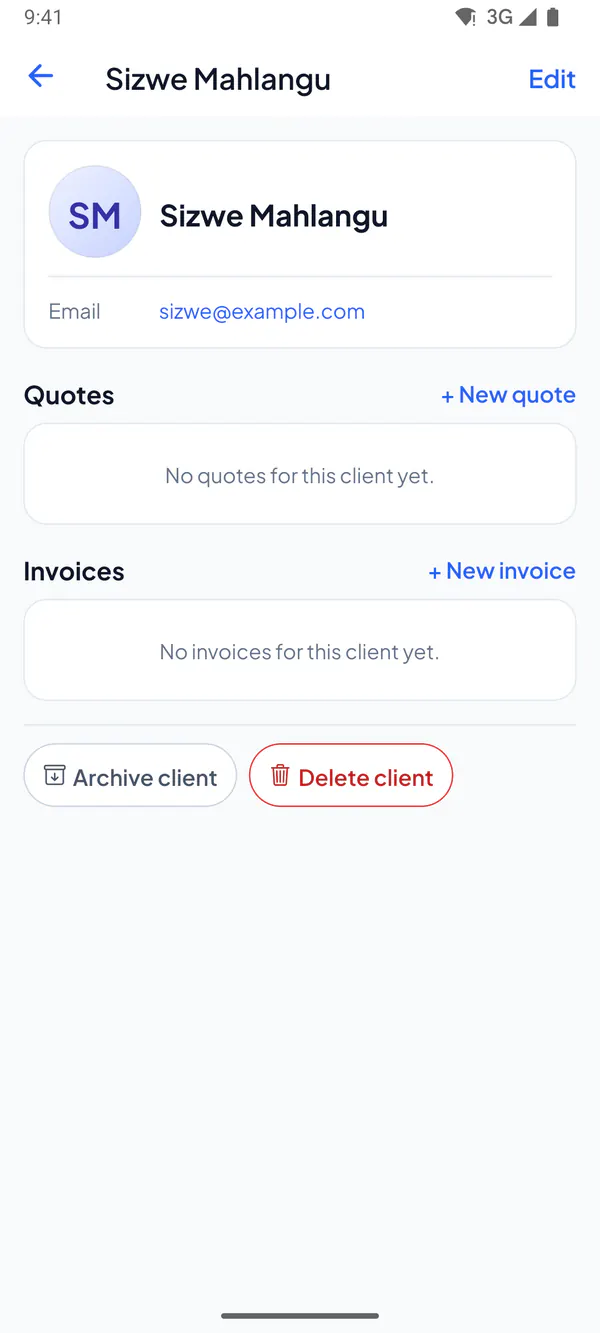
Step 3: Or tap Delete client, then Delete: they’re gone for good.
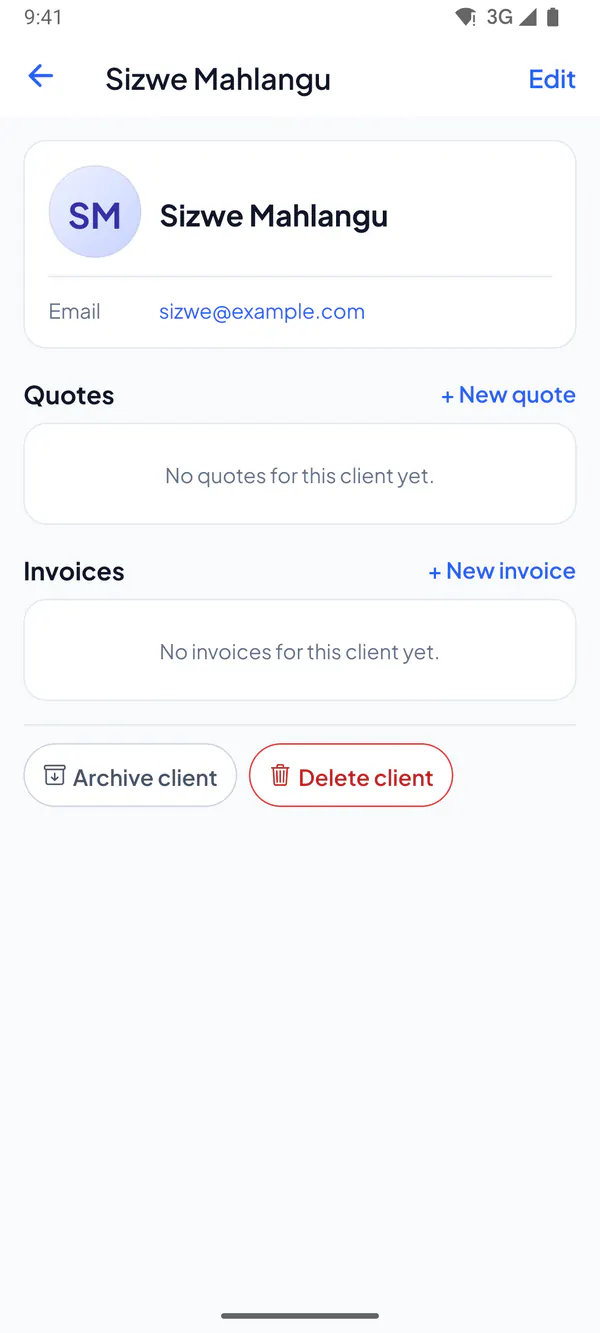
Step 1: Open the client.
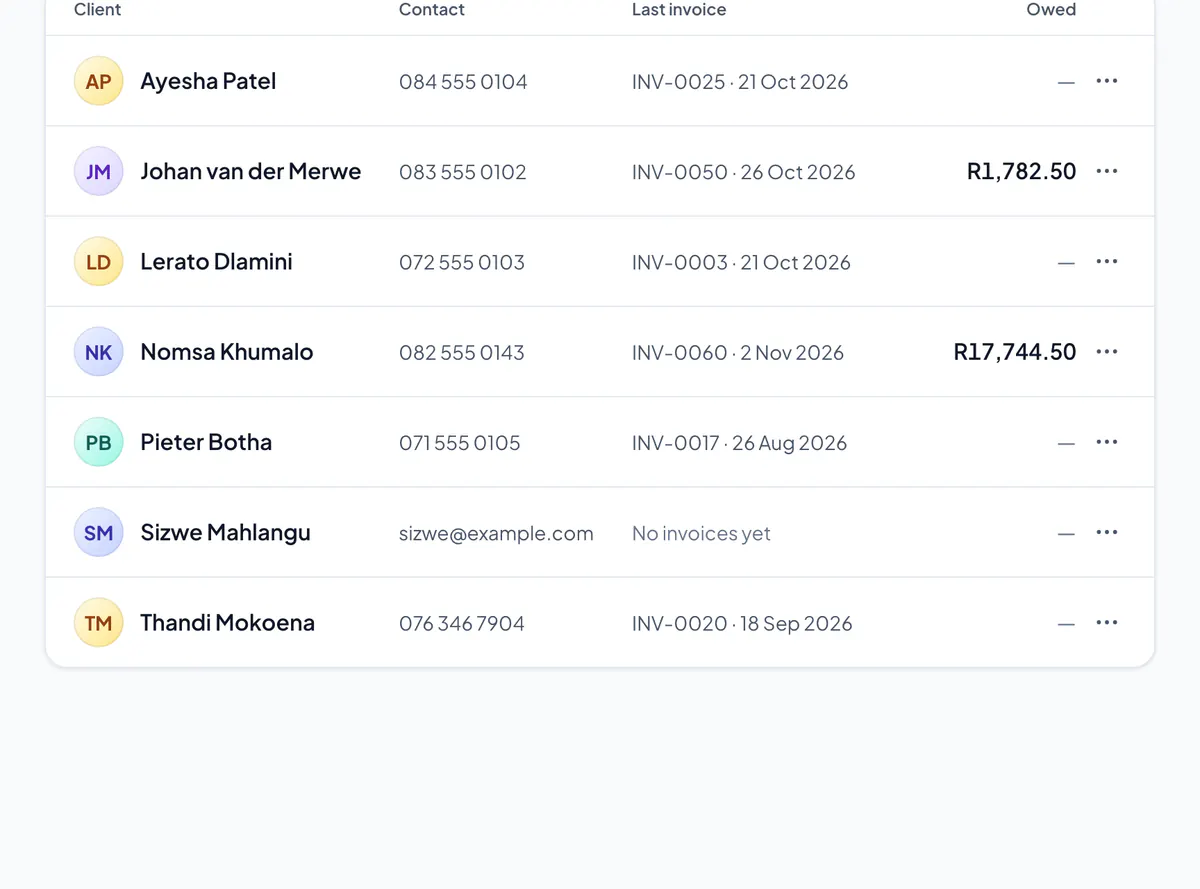
Step 2: Choose Archive client: they’re hidden from your list and from new quotes and invoices.
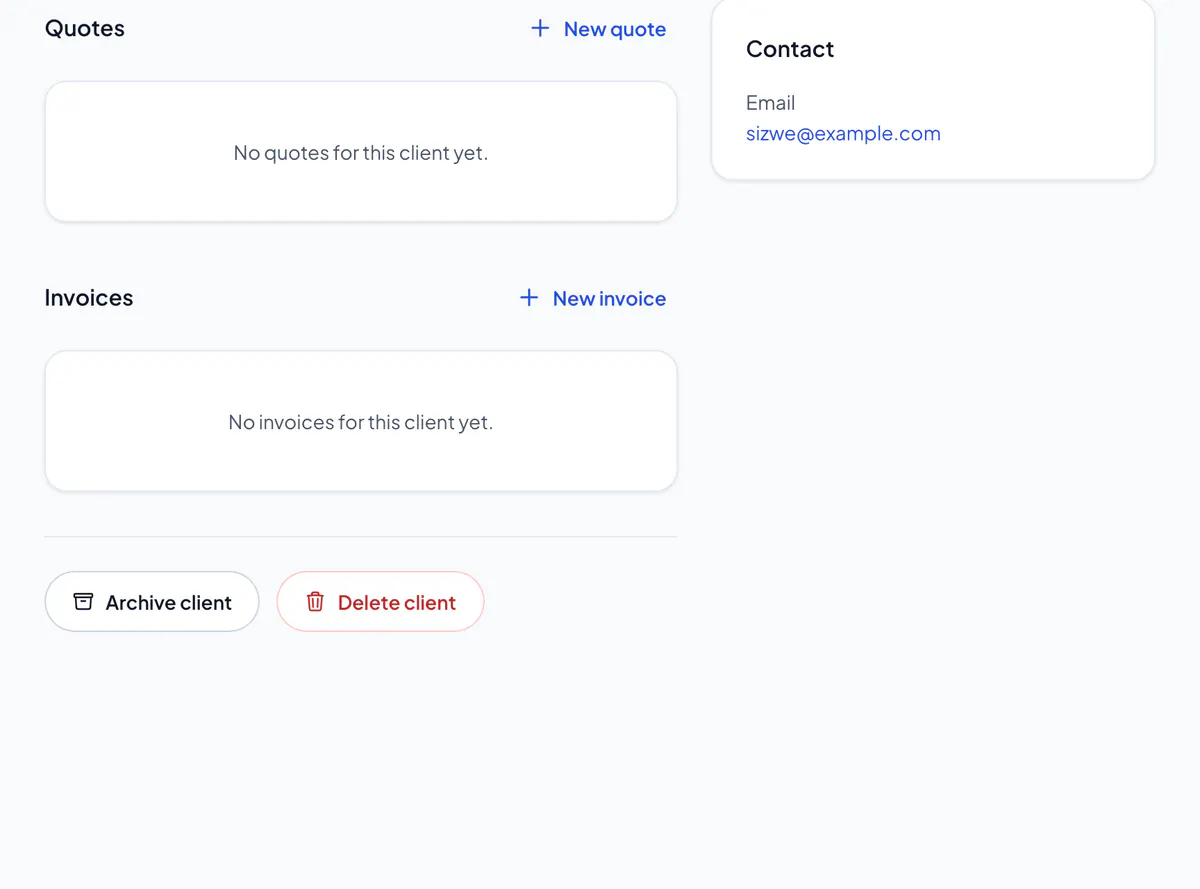
Step 3: Or choose Delete client, then confirm: they’re gone for good.
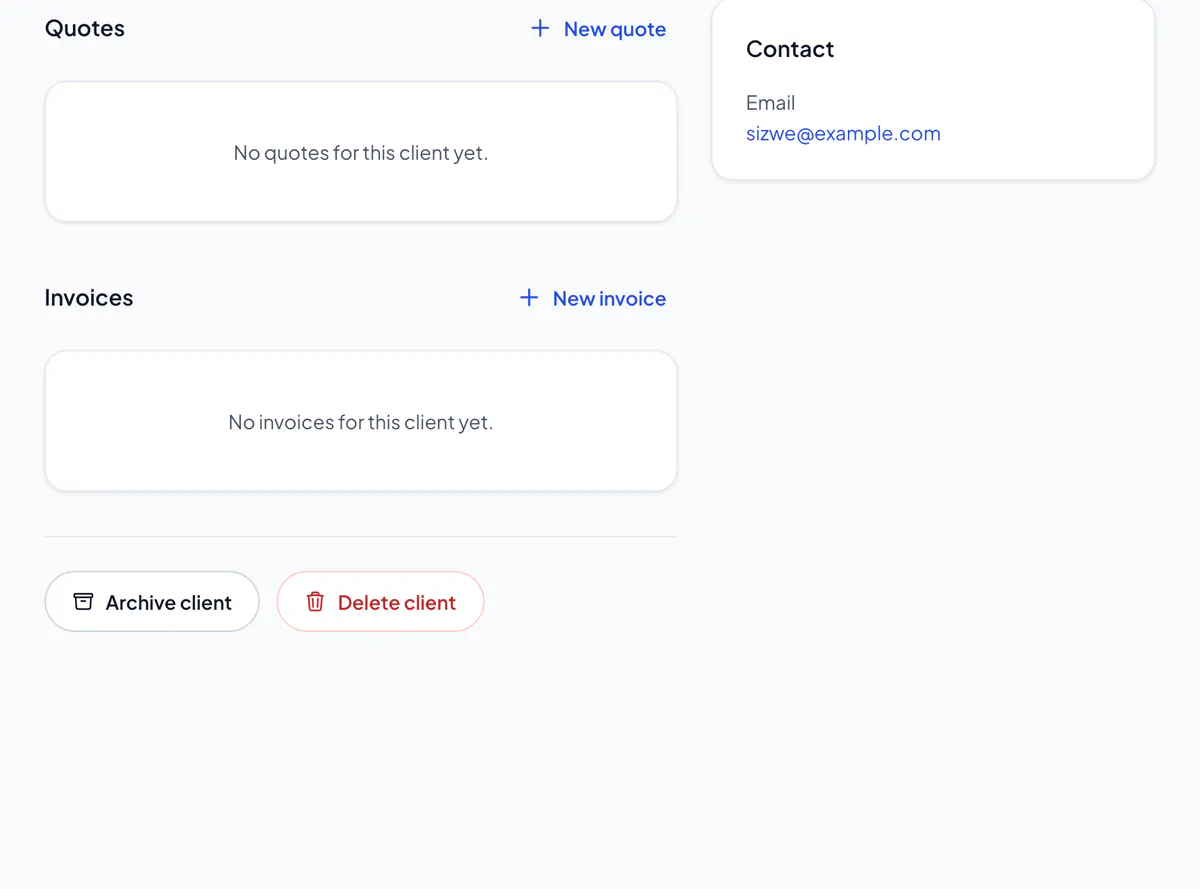
A client with a quote, invoice or credit note that has to stay on your records (anything sent, accepted, declined or paid, a credit note, or an invoice opened to take payment) can’t be deleted: archive them instead. Only the owner and admins can delete.
To use an archived client again, show the archived ones on Clients, open them and choose Unarchive.
Did this answer your question?
Related articles
Still stuck?
Email support@thetechcompanygroup.com and we’ll help, or see Support.